
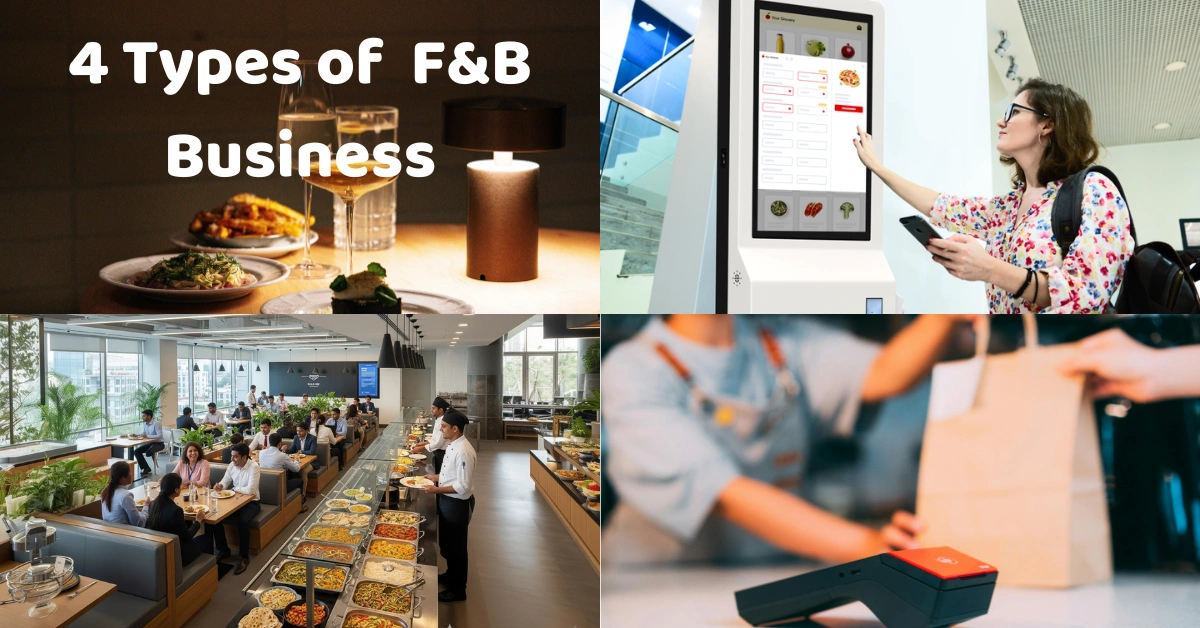
Running a food and beverage business is not just about having good food. The way you take orders, serve customers, process payments, and deliver their meals can have a huge impact on the overall customer experience.
Think about it: a customer can love your food, but if they have to wait 30 minutes just to place an order, they may not come back.
That is why understanding the different types of service in food and beverage is important for restaurant owners, café operators, food stall owners, and other F&B businesses.
In this guide, we'll look at the four common types of food and beverage service:
- Table Service
- Assisted Service
- Self-Service
- Single-Point Service
We'll also look at how technology such as a POS system, Kitchen Display System, and self-ordering kiosk can support each service model.
What Is Food and Beverage Service?
Food and beverage service refers to the process of delivering food and drinks to customers.
It covers everything from taking the customer's order to preparing, serving, billing, and completing the transaction.
The type of service a business uses usually depends on its concept, target customers, menu, location, staffing, and operating model.
For example, a fine-dining restaurant will normally have a very different service process from a fast-food restaurant or a small food kiosk.
A modern F&B POS system in the Philippines can also help connect different parts of this process, including orders, payments, inventory, and sales reporting.
Learn more about What F&B Business is.
1. Table Service
Table service is one of the most traditional forms of food and beverage service.
In this model, customers are seated at a table and employees take their orders and serve their food and drinks directly to them.
This type of service is commonly found in restaurants, hotels, cafés, and full-service dining establishments.
For restaurants handling multiple tables, a restaurant POS system in the Philippines can help staff organize orders, payments, tables, and other daily operations.
American or Plated Service
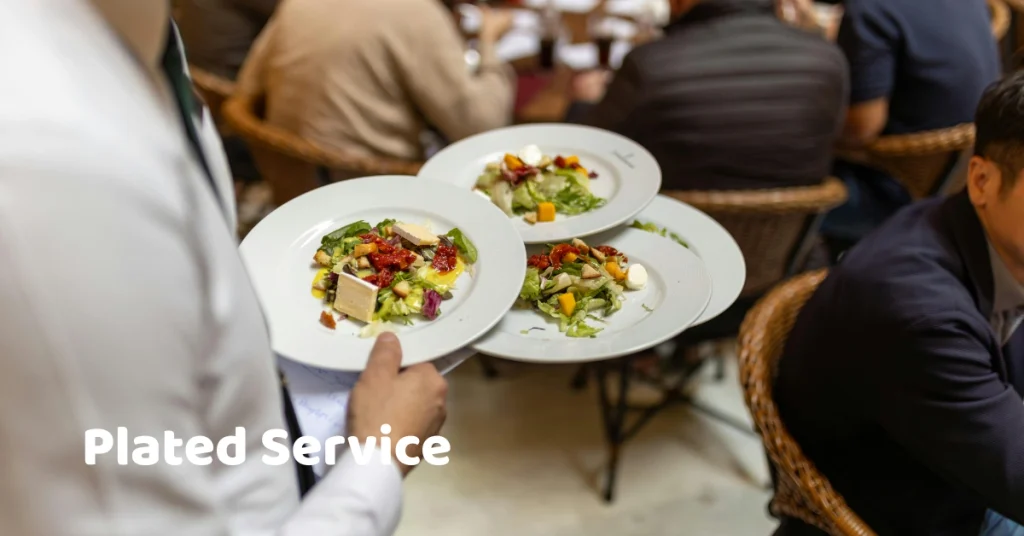
American service is one of the most common forms of table service.
Food is usually prepared and plated in the kitchen before being brought directly to the customer's table.
For example, a customer might order grilled chicken with rice and vegetables. The kitchen prepares the complete plate, and a server brings it to the table.
This method is popular because it can provide consistent portion sizes and presentation.
Family Service
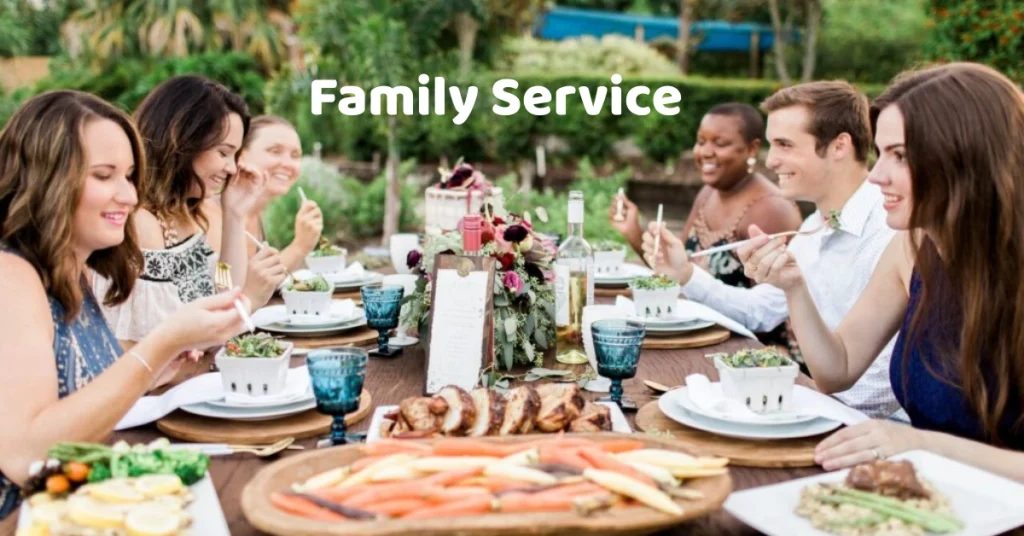
With family service, food is placed in serving dishes on the table and customers serve themselves.
It is similar to having a meal at home with family.
This approach can create a more relaxed and social dining experience.
It is often used for group meals, casual restaurants, and certain traditional dining concepts.
Fine Dining Service
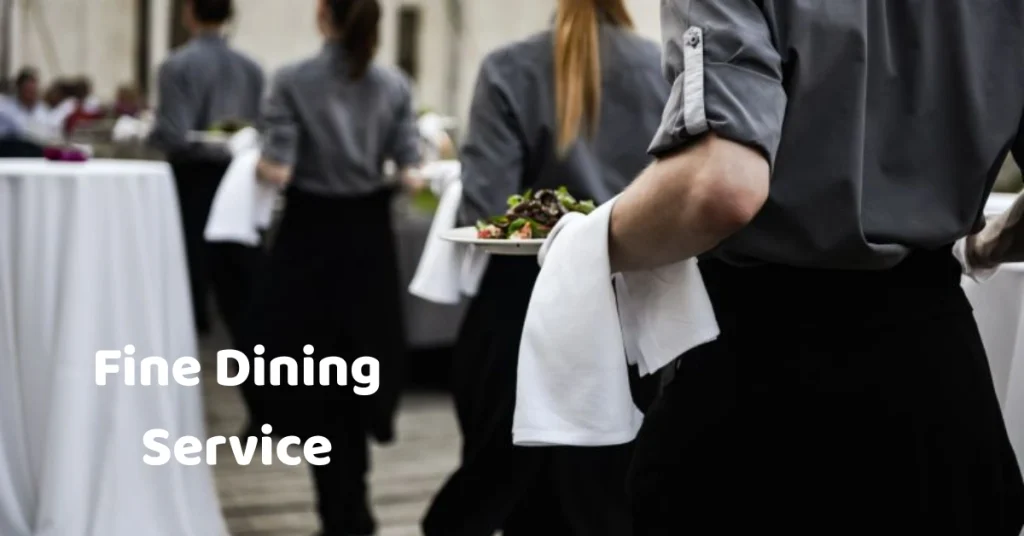
Fine dining typically involves a higher level of personalized service.
Servers may explain menu items, recommend dishes, take detailed orders, serve multiple courses, clear plates, and assist customers throughout the meal.
Because there are more steps involved, restaurants using this model need good coordination between front-of-house and kitchen staff.
A POS system can help keep orders organized and reduce the chance of communication errors.
2. Assisted Service
Assisted service is a combination of customer self-service and employee assistance.
The customer may perform part of the process while employees handle other parts.
A common example is a buffet restaurant.
Buffet Service
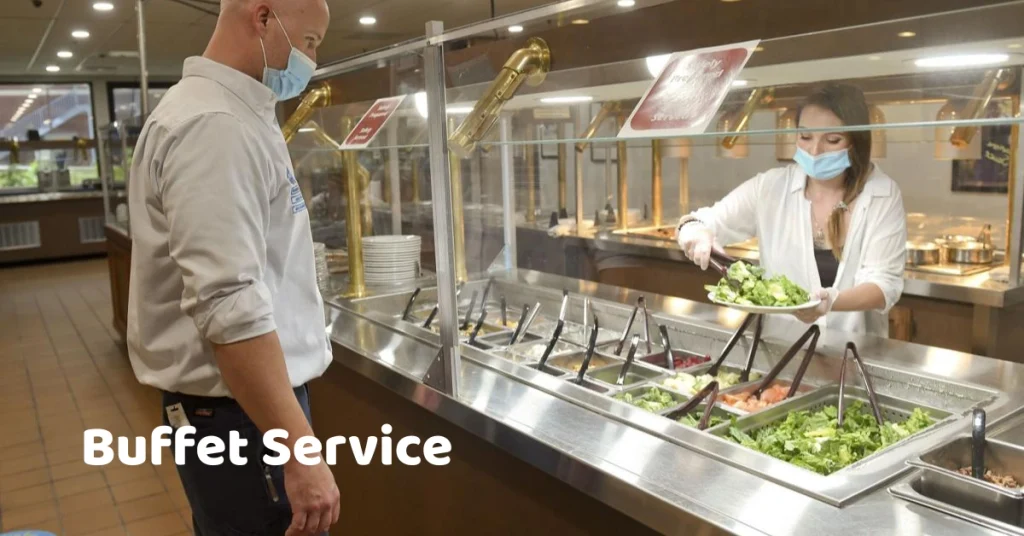
In a buffet setup, customers select their own food from different stations.
The restaurant provides the food, while customers choose what they want and bring it back to their table.
Employees may still assist with:
- Seating
- Drinks
- Clearing tables
- Refilling food
- Payment
- Customer requests
Buffet service allows restaurants to serve a large number of customers while giving customers more control over their meal selection.
Why Assisted Service Works
This model can be useful when a business wants to reduce some of the workload on servers without completely removing human assistance.
For example, customers can select their own food while employees focus on maintaining the dining area and helping customers when needed.
3. Self-Service
Self-service means customers perform most of the ordering or selection process themselves.
This model has become increasingly common as businesses adopt digital ordering technology.
Examples include:
- Cafeterias
- Fast-food restaurants
- Food courts
- Self-service restaurants
- Self-ordering kiosks
Cafeteria Service
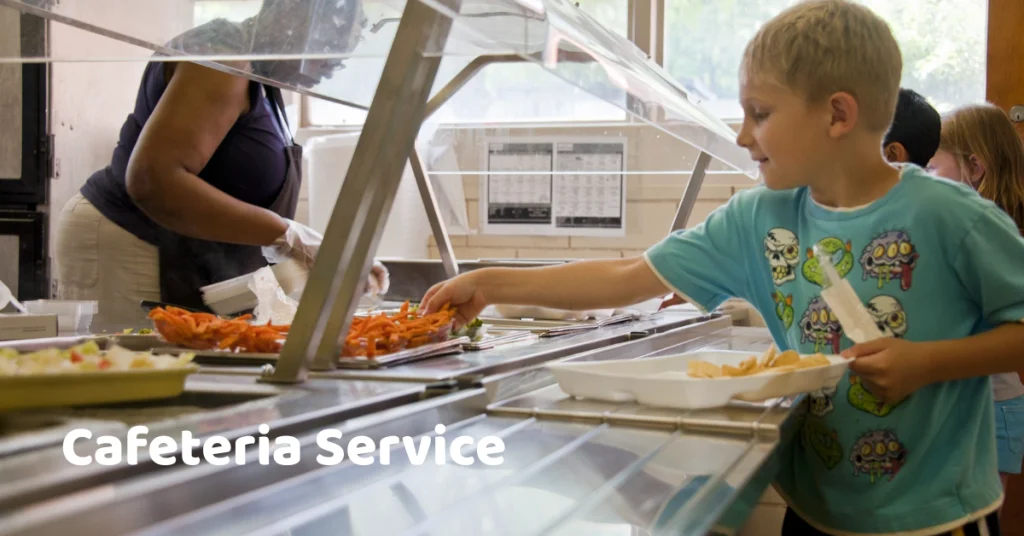
In a cafeteria, customers typically move through a service line and select the food they want.
They may choose from prepared dishes, drinks, desserts, and other items before proceeding to the cashier.
This can be efficient for businesses serving large numbers of customers during busy periods.
Self-Ordering Kiosks
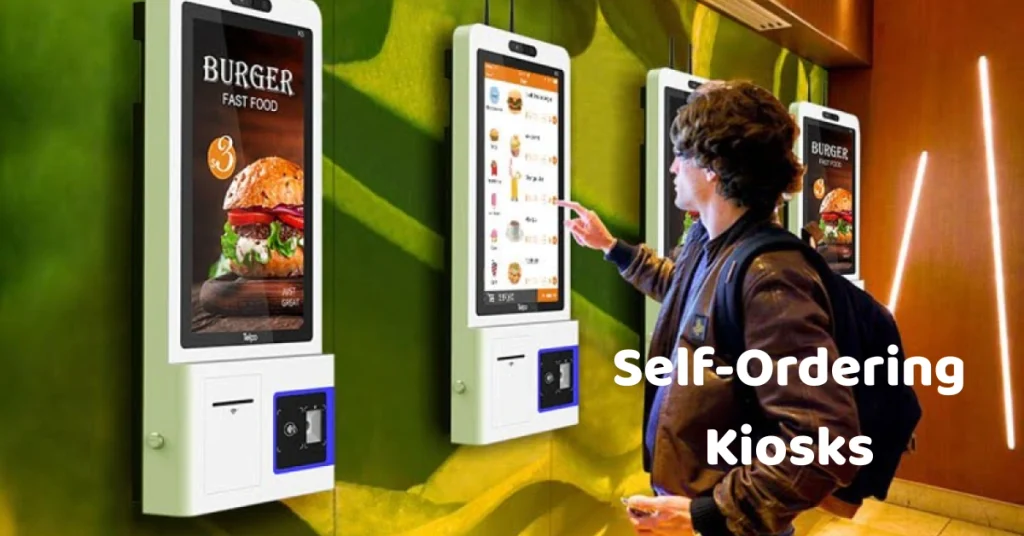
Self-ordering kiosks have become another form of self-service.
Instead of speaking directly with a cashier, customers can browse a digital menu, select their food, customize their order, and proceed to payment.
A self-ordering kiosk machine can be especially useful for fast-food restaurants, food courts, cafés, and other high-volume businesses.
The kiosk can also be connected to the POS system so the order can move from the customer-facing screen to the business's ordering and operational workflow.
The Customer Experience
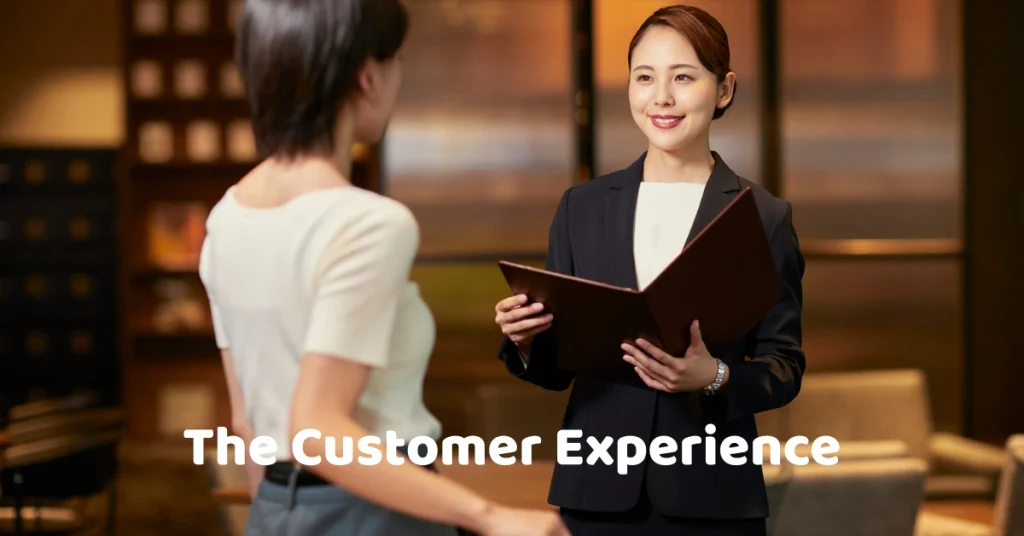
One advantage of self-service is speed.
A customer who already knows what they want can place an order without waiting for a cashier.
However, businesses should still provide employees who can assist customers who have questions or experience difficulties with the system.
Technology should make the experience easier, not more complicated.
4. Single-Point Service
Single-point service is commonly used when customers order, pay, and receive their food through one main service point.
This model is particularly common in fast-food restaurants, food stalls, kiosks, takeaway shops, and quick-service businesses.
For example, a customer might walk up to a counter, place an order, pay, wait for the food, and then leave.
Counter Service
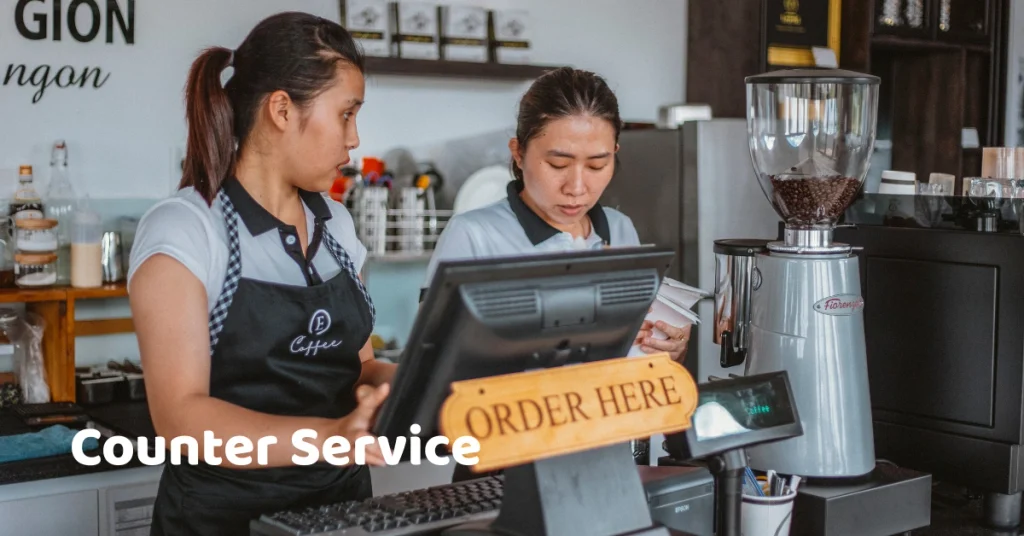
Counter service is one of the simplest examples.
The customer approaches a cashier, places an order, pays, and waits for the food.
This model is common in:
- Fast-food restaurants
- Cafés
- Bakeries
- Food courts
- Small restaurants
A reliable café POS system can help businesses manage menus, modifiers, orders, payments, inventory, and daily sales while keeping the ordering process simple.
Food Kiosk Service
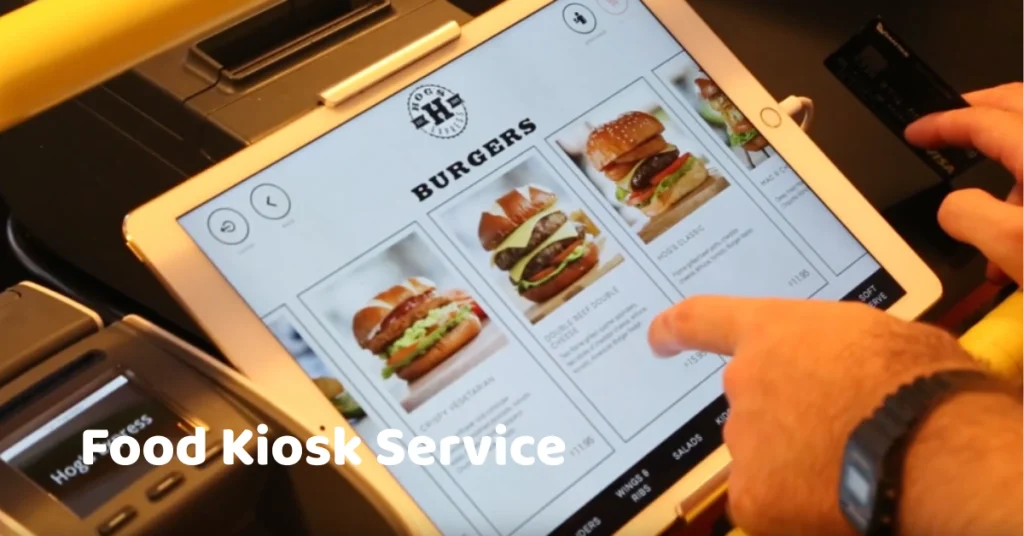
Food kiosks also commonly use single-point service.
The menu is usually smaller, orders are processed quickly, and customers often expect fast service.
For a small food business, using a dedicated food kiosk POS system can help organize orders, payments, inventory, employees, and sales reports without relying heavily on manual processes.
Takeaway Service
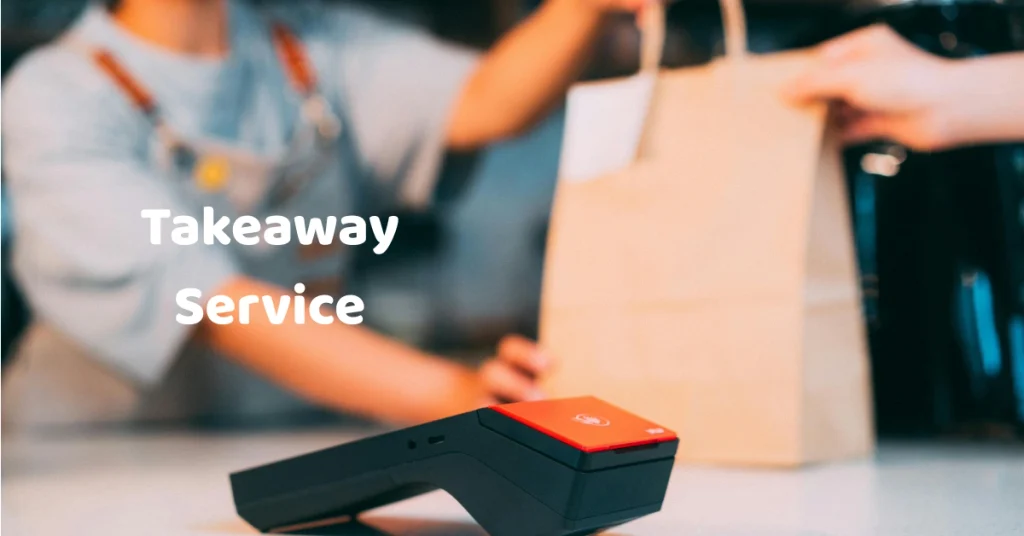
Takeaway businesses focus on speed and convenience.
Customers place their order, pay, wait for their food, and take it with them.
This service model is common for restaurants located in busy commercial areas, malls, office districts, and transport hubs.
Comparing the 4 Types of Food and Beverage Service
| Service Type | Customer Involvement | Common Examples |
| Table Service | Low to moderate | Restaurants, hotels, fine dining |
| Assisted Service | Moderate | Buffets, assisted dining |
| Self-Service | High | Cafeterias, kiosks, food courts |
| Single-Point Service | Moderate to high | Fast food, food stalls, cafés |
There is no single service model that works for every business.
A restaurant might use table service during regular operations but introduce QR ordering during peak hours.
A café might use counter service while also offering self-ordering.
A food court stall might combine cashier ordering with a digital kiosk.
The important thing is finding a system that matches the way the business actually operates.
How to Choose the Right Service Type for Your F&B Business
Before choosing a service model, consider several factors.
1. Your Business Concept
Start with your concept.
A fine-dining restaurant will usually require more personal interaction than a quick-service food stall.
A café may benefit from counter service, while a family restaurant may be better suited to table service.
2. Your Customer Volume
Consider how many customers you serve during your busiest periods.
If your business regularly experiences long queues, self-service options may help distribute the workload.
For example, self-ordering kiosks can allow customers to place orders independently instead of waiting for a cashier.
3. Your Menu
A simple menu is generally easier to manage through a counter or kiosk.
A restaurant with hundreds of menu combinations, modifiers, and special requests may need a more sophisticated ordering workflow.
4. Your Staff
Your service model should also match your staffing capabilities.
A table-service restaurant needs enough employees to take orders, serve food, clear tables, and assist customers.
A self-service business may require fewer employees for ordering but more support for technology, food preparation, and customer assistance.
5. Your Technology
Technology can make different service models easier to manage.
A modern POS system for food businesses can help connect sales, orders, payments, inventory, and reporting.
Instead of maintaining separate spreadsheets and handwritten records, businesses can centralize much of their operational information.
How POS Technology Supports F&B Service
Modern food businesses are increasingly using technology to improve their service processes.
A POS system is no longer just a machine for calculating transactions.
Depending on the system, it can support areas such as:
- Order processing
- Payment management
- Inventory
- Product management
- Sales reporting
- Employee management
- Promotions
- Customer information
- Multi-branch operations
For example, an F&B inventory management system can help businesses monitor ingredients, stock levels, product costs, stock movements, and replenishment needs.
This becomes particularly important for F&B operations where ingredients can move quickly.
Kitchen Display Systems
For restaurants with busy kitchens, a Kitchen Display System can help organize incoming orders and make communication between the front counter and kitchen more efficient.
Instead of relying entirely on printed tickets or verbal instructions, kitchen staff can receive order information digitally.
This can be particularly useful when multiple orders are coming in at the same time.
Inventory Management
Inventory is another major part of F&B operations.
Restaurants and cafés need to know what ingredients they have, what is running low, and what needs to be reordered.
For example, a café may need to track coffee beans, milk, syrups, cups, pastries, and other ingredients.
Using a POS software system with inventory capabilities can help businesses keep sales and stock information connected.
Sales Reports
Reports can help owners understand what is happening in the business.
Useful information can include:
- Daily sales
- Best-selling products
- Payment summaries
- Discounts
- Voids
- Refunds
- Cashier performance
- Product performance
- Inventory reports
Instead of simply asking, "How much did we sell today?", owners can look deeper into which products are selling, when customers are buying, and how the business is performing.
Examples of F&B Service in the Philippines
The Philippine food industry includes many different types of businesses, which means different service models can be found everywhere.
Restaurants
Restaurants commonly use table service.
Customers sit down, review the menu, place their orders with servers, and receive their food at the table.
A restaurant POS system can help coordinate orders, payments, inventory, and reporting.
Fast-Food Restaurants
Fast-food businesses commonly use counter service or self-service.
Customers typically order at a counter or kiosk and wait for their food to be prepared.
Cafés
Cafés often use counter service.
Customers order at the counter, pay, and wait for their drinks and food.
Some modern cafés also use QR ordering or self-ordering technology.
Food Stalls and Kiosks
Food stalls usually focus on speed.
Customers approach the stall, place an order, pay, and wait for their food.
A food kiosk POS system in the Philippines can be useful for organizing transactions and monitoring daily sales.
Food Courts
Food courts can combine multiple service models.
Customers may order directly from individual food stalls, use self-ordering kiosks, or use digital ordering systems depending on the establishment.
Can an F&B Business Use More Than One Service Type?
Absolutely.
In fact, many modern businesses use a hybrid approach.
For example, a restaurant could use:
Table Service + QR Ordering + POS
Customers sit at their tables but scan a QR code to browse the menu and place an order.
Another business could use:
Counter Service + Self-Ordering Kiosk + POS
Customers can either order from a cashier or use a kiosk.
This gives customers more flexibility while allowing employees to focus on preparing and serving orders.
A modern POS platform can serve as the central system connecting these different ordering channels.
Common Mistakes When Choosing a Service Model
Choosing a Model Because It Is Popular
Just because another restaurant uses kiosks does not mean your business needs them.
Think about your customers, menu, staff, location, and budget first.
Ignoring Peak Hours
A service model that works perfectly at 10 AM may fail during lunch.
Always test your process during the busiest periods of the day.
Forgetting Inventory
Some businesses focus so much on customer service that they overlook inventory.
But running out of popular ingredients during peak hours can quickly affect customer satisfaction.
Using Too Many Manual Processes
Handwritten orders, manual inventory counts, and spreadsheets may work for a very small business.
As the business grows, however, these processes can become difficult to maintain.
That's where an integrated POS system can help bring sales, inventory, payments, and reporting into one workflow.
Frequently Asked Questions
What are the four types of service in food and beverage?
The four broad types discussed in this guide are table service, assisted service, self-service, and single-point service.
Different hospitality and food-service frameworks may classify service styles differently, so terminology can vary.
What type of service is common in fast-food restaurants?
Fast-food restaurants commonly use counter service or self-service. Some businesses also use self-ordering kiosks to give customers another ordering option.
What type of service is best for a café?
There is no universal answer. Counter service is common in cafés because it supports relatively quick ordering and payment, while some cafés may also use table service, QR ordering, or self-ordering technology.
How can a POS system help an F&B business?
A POS system can help manage sales, orders, payments, inventory, staff, and reports. The exact features depend on the POS provider and package.
Can a restaurant combine different service types?
Yes. A restaurant can combine table service with QR ordering, self-ordering kiosks, counter ordering, or other methods depending on its operational needs.
Final Thoughts
The four types of food and beverage service give businesses different ways to organize the customer experience.
Table service focuses on personal interaction.
Assisted service combines customer participation with employee support.
Self-service gives customers more control over ordering and selection.
Single-point service focuses on speed and convenience.
But choosing a service model isn't simply about deciding how customers receive their food.
You also need to think about how orders are recorded, how payments are processed, how inventory is monitored, and how employees communicate throughout the operation.
That is where technology can make a significant difference.
For Philippine restaurants, cafés, food stalls, kiosks, and other F&B businesses, an integrated POS system can help connect everyday operations and give business owners better visibility into sales, inventory, and performance.
If you're looking for a POS solution for your food business, Divergent POS provides F&B-focused solutions for restaurants, cafés, bars, food shops, and other businesses in the Philippines.
You can explore the F&B POS system and see how it can fit into your business workflow.
