
Manage customer orders from the POS and keep every transaction organized from order entry to payment.
⚡ Fast Order Entry
Add menu items and process customer orders quickly.
🍽️ Dine-In Orders
Assign orders to tables and keep customer transactions organized.
🥡 Takeaway Orders
Process takeaway orders separately from dine-in transactions.
✏️ Order Modifications
Update quantities, remove items, add items, or make other order changes.
🔄 Order Status
Track orders as they move through the restaurant workflow.
🏷️ Discounts
Apply available discounts and promotions during checkout.
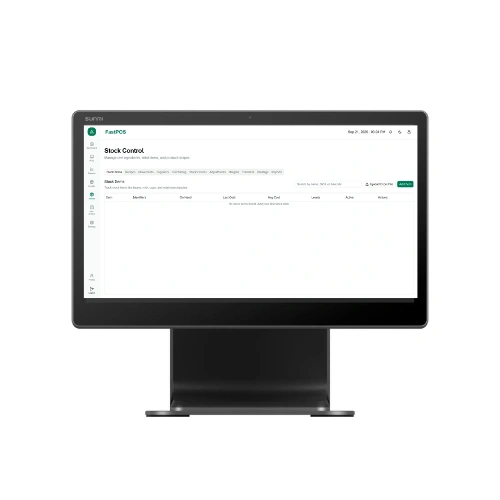
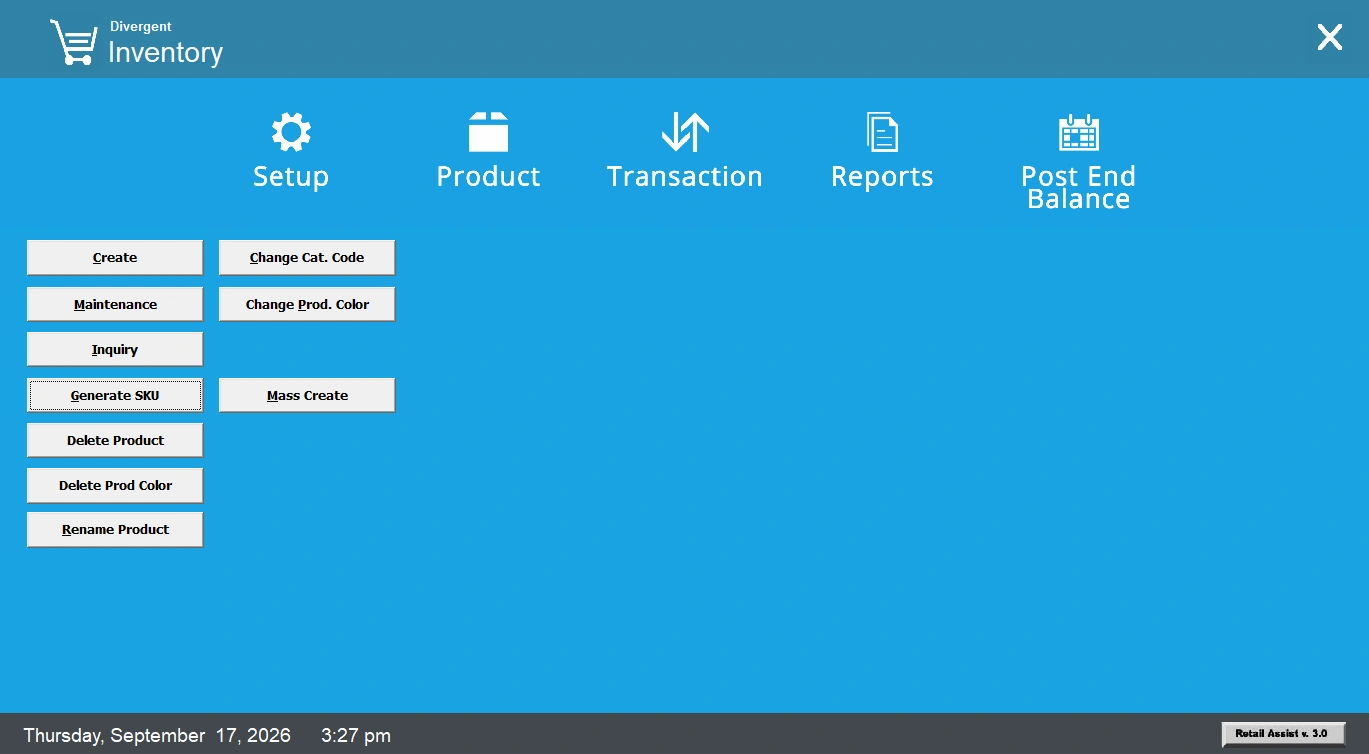
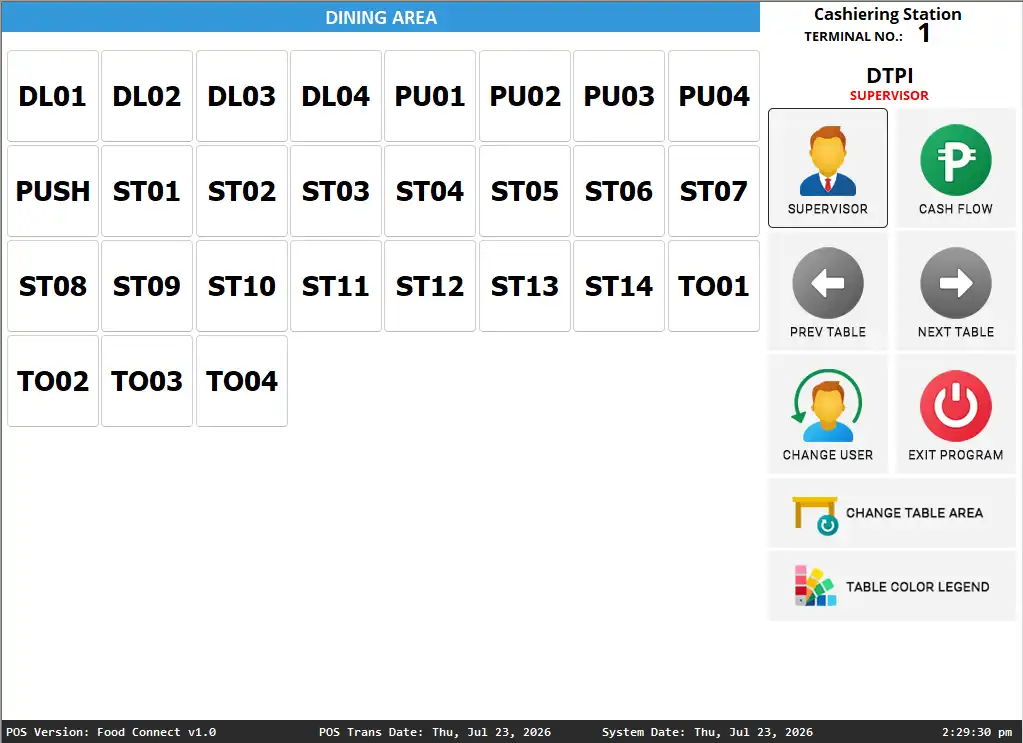
Manage your restaurant tables and quickly see which tables are available, occupied, or being served.
🟢 Table Status
Monitor available, occupied, and other table statuses.
🗺️ Floor Layout
Organize tables according to your restaurant's floor arrangement.
👥 Table Assignment
Assign customer orders to specific tables.
🔄 Table Transfer
Move an order from one table to another when needed.
✂️ Split Tables
Separate transactions or orders when required.
🔗 Merge Tables
Combine tables or customer orders when applicable.
Keep kitchen staff informed about incoming orders and monitor the progress of restaurant transactions.
Features
📋 Kitchen Orders
Send customer orders into the kitchen workflow.
🔄 Order Status
Track orders from new to preparing and ready.
📝 Order Details
Give kitchen staff visibility into the items and quantities requested.
🔔 Order Updates
Keep order information updated as items are prepared.
✅ Completed Orders
Identify orders that are ready for serving or completion.
Keep menu items, categories, pricing, variations, and add-ons organized in one place.
Features
📂 Menu Categories
Organize products into meals, drinks, desserts, appetizers, and other categories.
🍔 Product Management
Create and manage restaurant menu items.
💰 Pricing
Set and update product selling prices.
🔢 Variations
Manage different sizes, options, or product variations.
➕ Add-Ons
Add additional items or options to customer orders.
🟢 Availability
Control whether menu items are available for sale.
Features
📦 Stock Tracking
Monitor available ingredients and restaurant products.
🥕 Ingredient Management
Keep commonly used ingredients organized.
⚠️ Low-Stock Monitoring
Identify products or ingredients that need replenishment.
📝 Stock Adjustments
Record inventory corrections, damaged items, and other adjustments.
🛒 Purchasing
Track purchases and inventory replenishment.
🤝 Supplier Management
Keep supplier information organized.
📜 Inventory Movement History
Review incoming, outgoing, and adjusted stock.
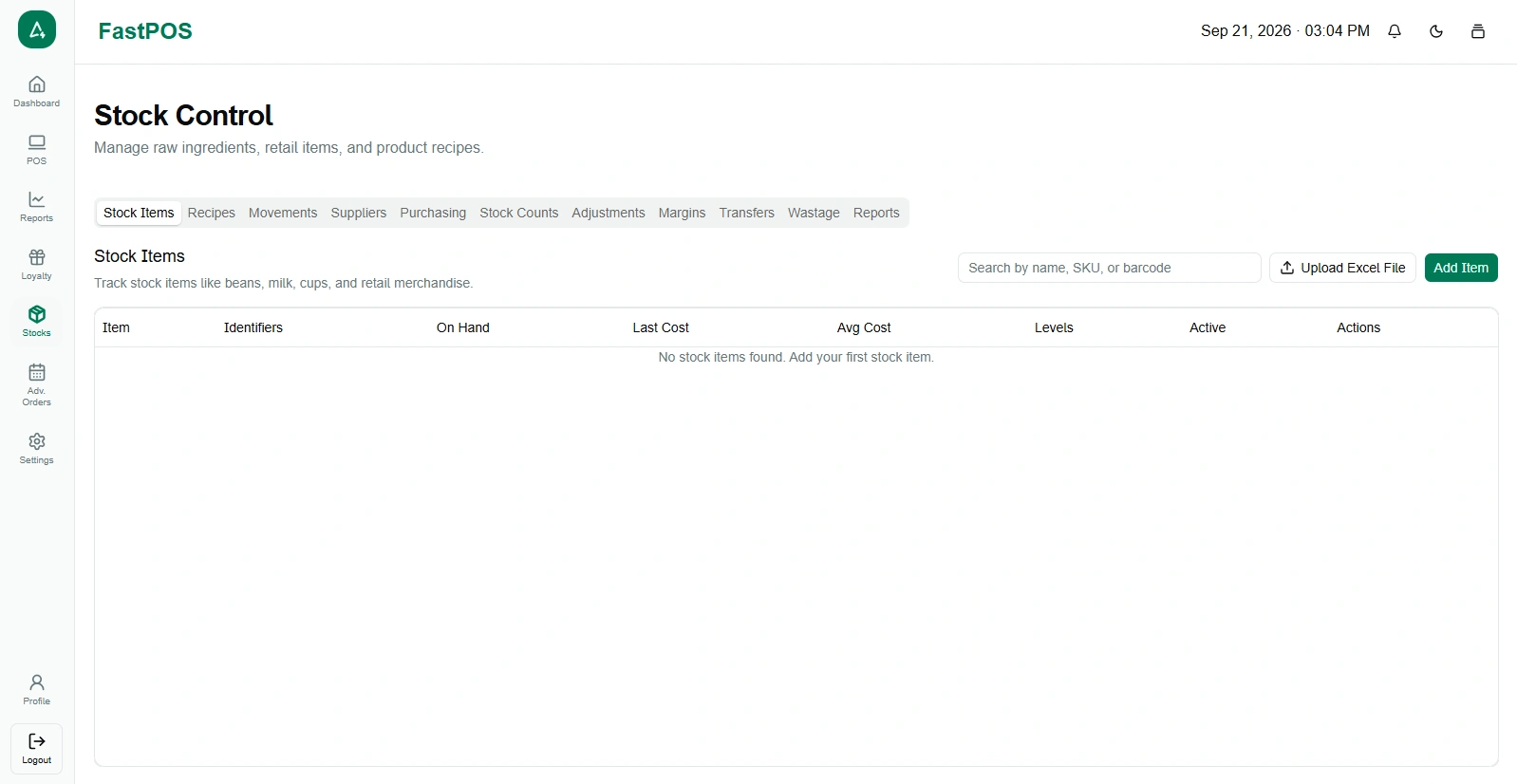
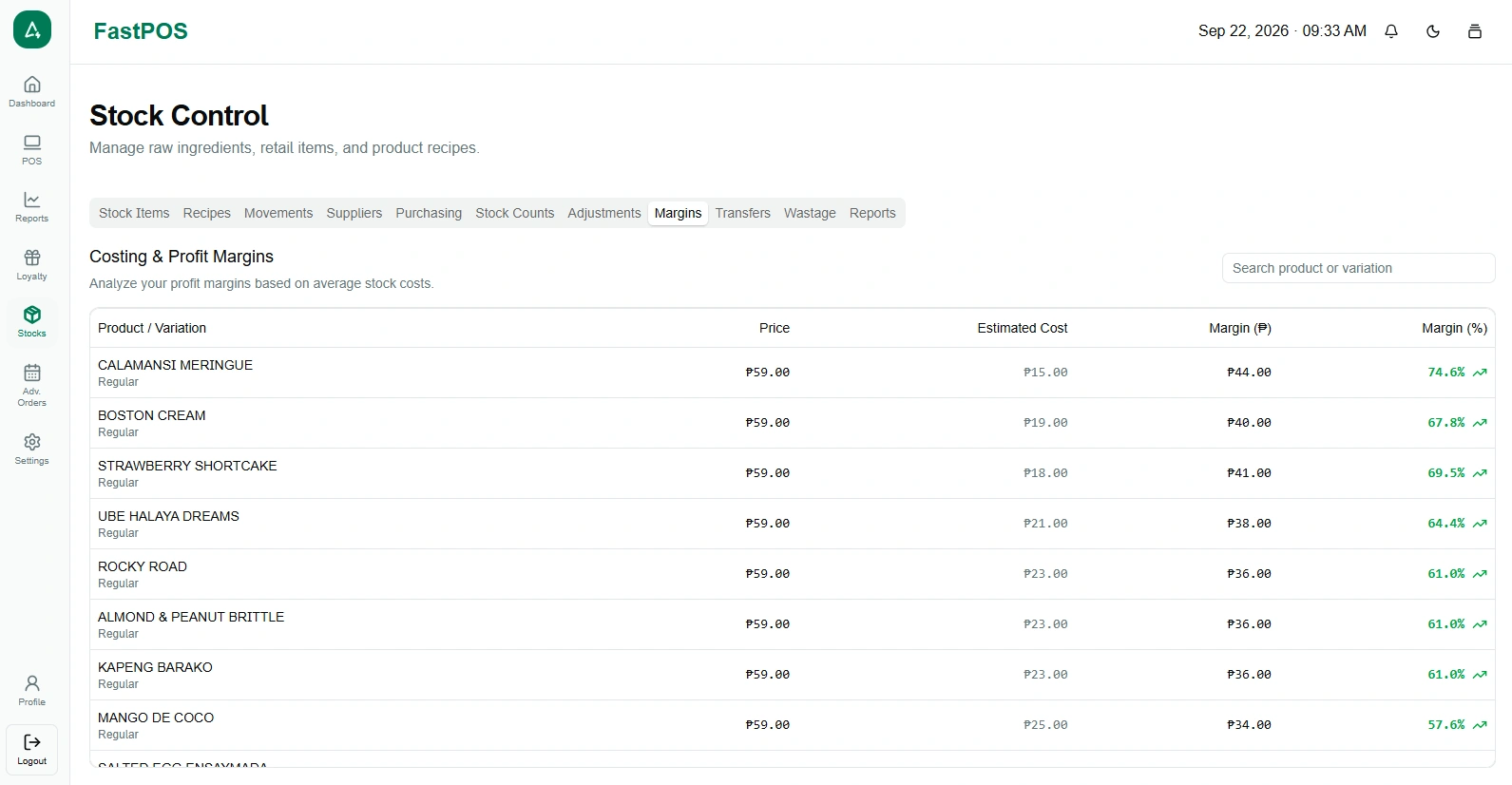
Manage recipes and estimate the ingredient cost of restaurant dishes.
Features
📖 Recipe Management
Create and manage recipes for restaurant menu items.
🥕 Ingredient Quantities
Define the ingredients and quantities required for a dish.
💰 Recipe Costing
Calculate the estimated ingredient cost of a recipe.
🍽️ Cost Per Serving
Estimate the ingredient cost of each serving.
📦 Batch Costing
Calculate estimated costs for recipe batches.
📈 Estimated Gross Margin
Compare estimated product costs with selling prices.
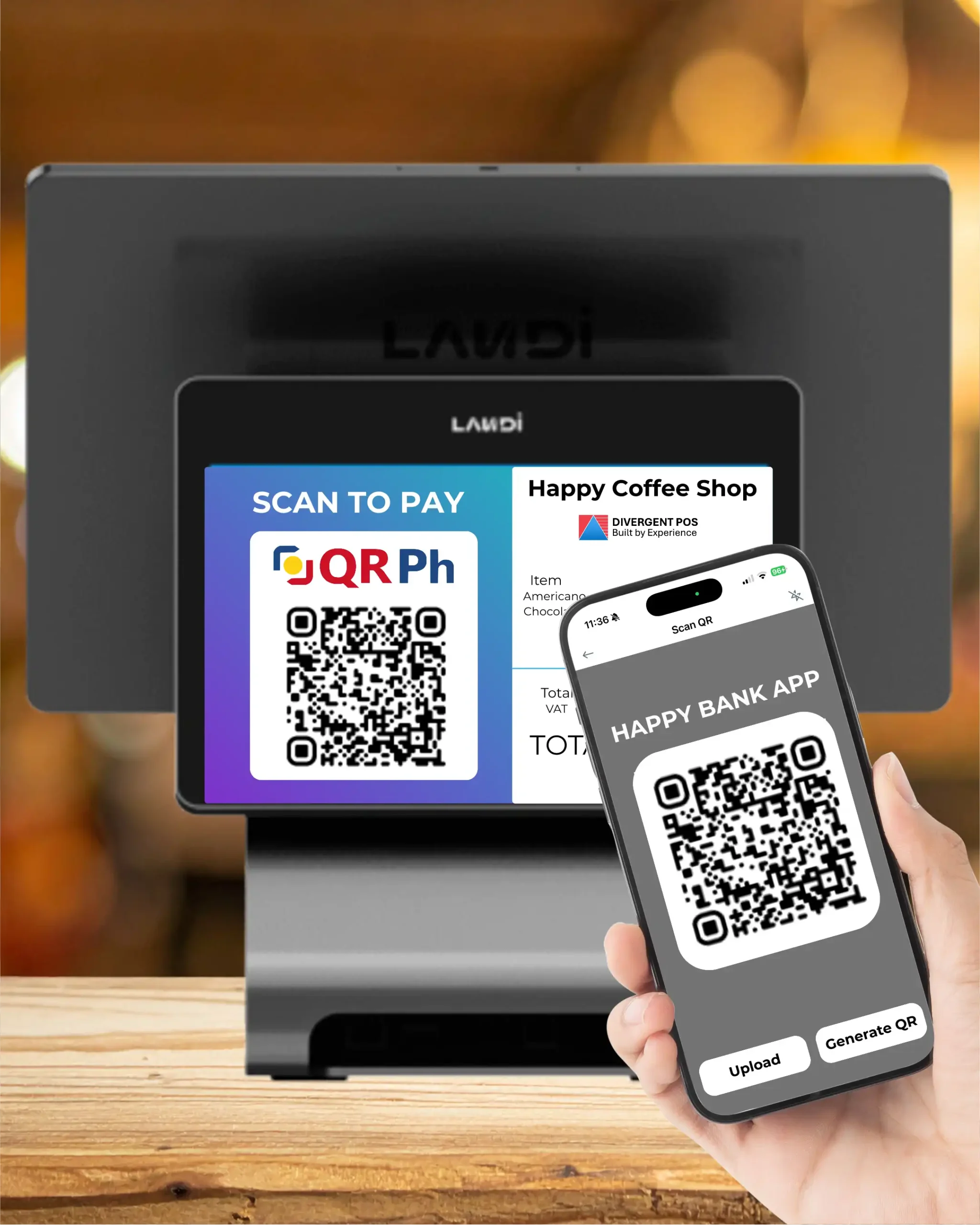
Process customer payments quickly while keeping transaction information organized.
Features
💵 Cash Payments
💳 Card Payments
📱 E-Wallet Payments
💰 Multiple Payment Methods
🏷️ Discounts
🧮 Change Calculation
🧾 Receipt Printing
📋 Payment Records
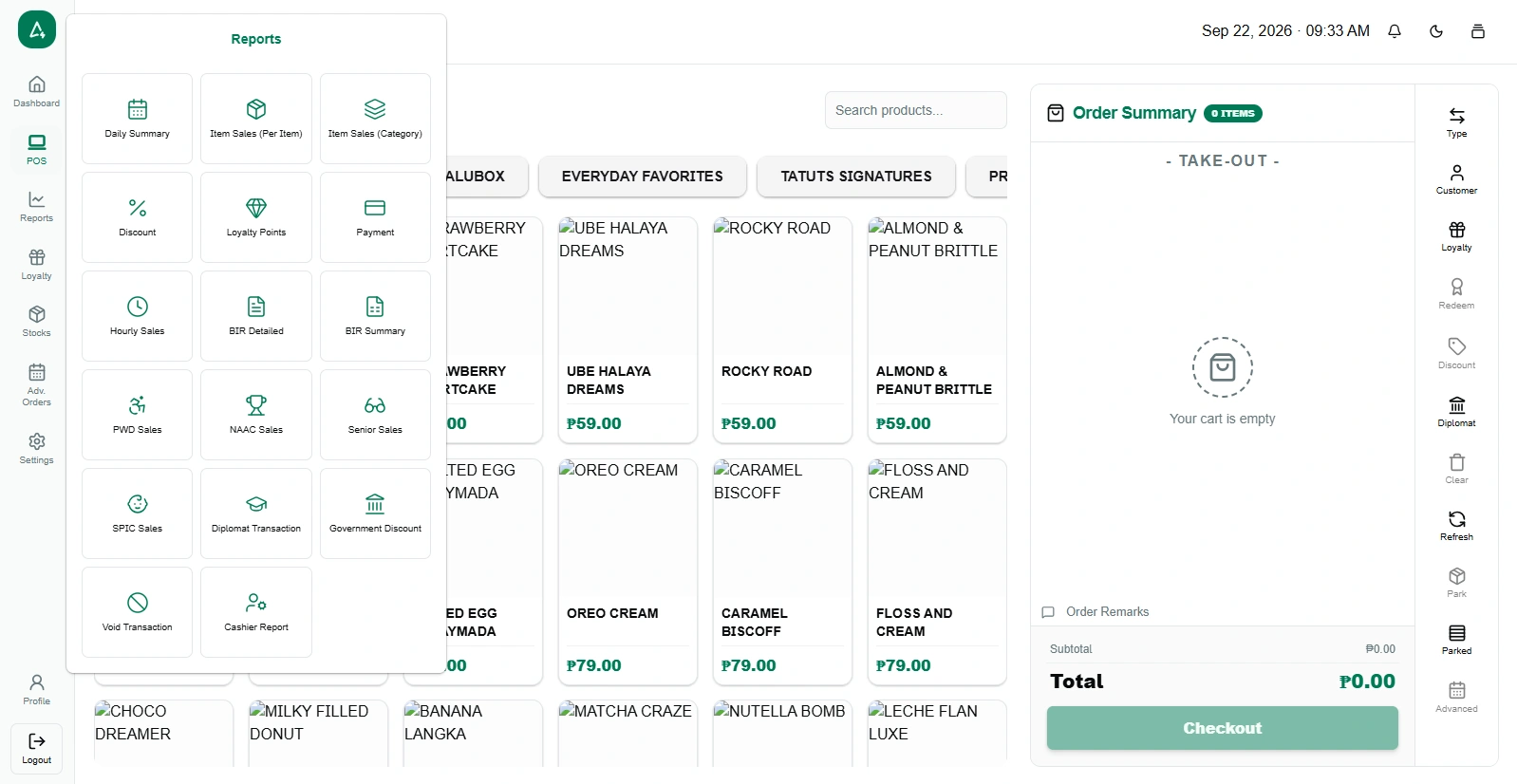
Turn restaurant transactions into useful business insights and monitor sales performance.
Features
📅 Daily Sales Reports
View total sales and transaction activity.
🍔 Sales by Product
See which menu items generate the most sales.
🏆 Best-Selling Products
Identify popular restaurant products.
📂 Sales by Category
Compare meals, drinks, desserts, and other categories.
💳 Payment Reports
Review sales by payment method.
👤 Cashier Reports
Review sales activity by cashier or staff member.
📈 Sales Trends
Compare restaurant sales across selected periods.
↩️ Void & Refund Reports
Monitor voided or refunded transactions where supported.
Manage restaurant staff accounts and control access to different POS functions.
Features
👤 User Accounts
🔐 Roles & Permissions
💳 Cashier Access
📝 Staff Activity
🕐 Shift Management
🔎 Transaction Accountability
Manage ingredient purchases and supplier information while keeping inventory records organized.
Features
🤝 Supplier Management
Manage your restaurant suppliers and supplier information.
📋 Purchase Records
Keep track of restaurant purchasing activity.
🥕 Ingredient Purchasing
Record purchases of ingredients and supplies.
📦 Purchase Quantities
Monitor quantities purchased from suppliers.
💰 Cost Tracking
Keep track of ingredient and purchasing costs.
🔄 Inventory Updates
Update inventory based on purchasing activity.