
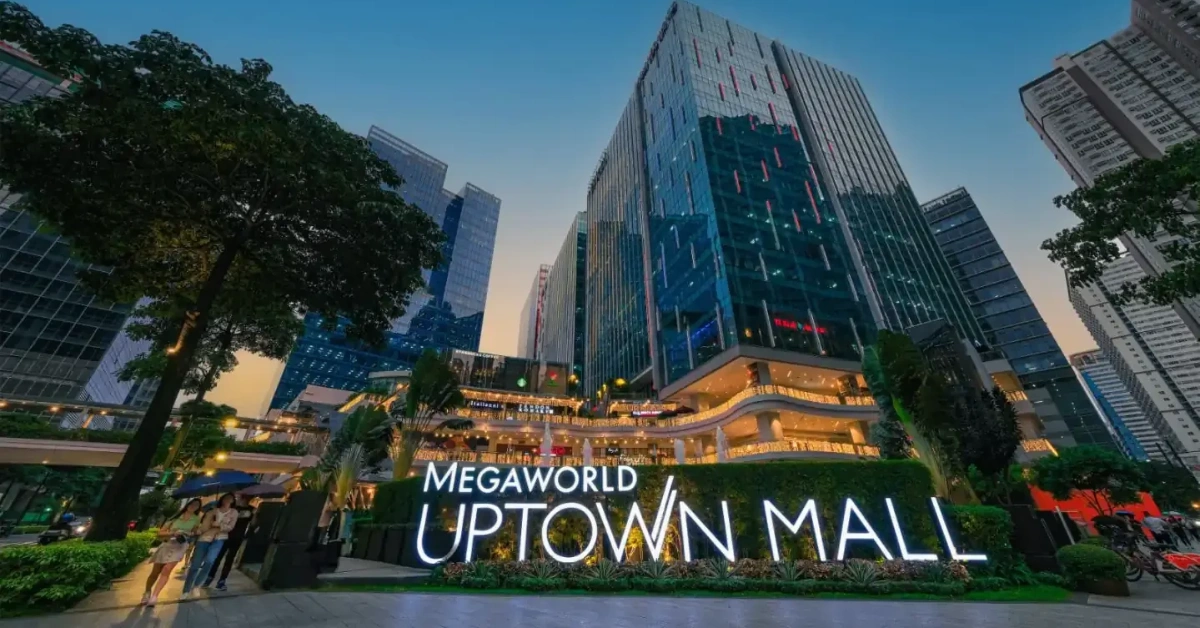
The last customer leaves. Your staff count the drawer, stack the receipts, and someone taps "day end" on the POS. To most tenants, that button just closes the day.
In a Megaworld mall, it does a bit more. It's also the moment your sales get sent to the mall. And if something goes wrong at that exact moment, you might not find out until someone from the mall does.
That's why we like to think of mall POS accreditation as the "day-end test." A system can look great at the counter all day, but the question that matters is what happens when you close. Let's walk through it.
First, Which Megaworld Mall Are You In?
"Megaworld" isn't one mall. The Megaworld Lifestyle Malls brand has 17 lifestyle malls, each designed with its own theme, such as the China-themed Lucky Chinatown and the Italianesque Venice Grand Canal. You can read the overview on Wikipedia. Among the flagships, Megaworld's own press materials name Uptown Mall in Uptown Bonifacio, Venice Grand Canal in McKinley Hill, Southwoods Mall, and Eastwood Mall. You can see that in the company's press release.
There are also smaller ones. Megaworld describes its community malls as "neighborhood commercial centers" that still carry the Megaworld Lifestyle Malls signature brand.
That sources are a few years old, so check the current lineup with your leasing contact. The reason it matters is simple: a food stall in a community mall and a restaurant in a flagship mall don't have the same setup, the same traffic, or the same closing routine. Keep your own situation in mind as we go.
What "Accredited" Actually Means
You'll see the word "accredited" on a lot of POS websites, and it can mean three different things:
- BIR accreditation or registration. Your POS meets tax requirements. You can read more on our page about BIR POS accreditation.
- Mall accreditation. The mall operator has approved that POS to send sales data for its tenants.
- Official partner status. A commercial arrangement, which isn't the same as approving everyone else.
There's another wrinkle worth knowing. According to one POS provider's published documentation, Megaworld accreditation is done per tenant per mall, although the same page says new stores currently go through an auto-rollout that skips the sales file review. In plain terms, even a POS that's been approved before still has to be set up for your store.
And the claim is everywhere. One provider lists accreditations from BIR, Robinsons, Megaworld, SM, Ayala, and others. When so many providers say the same thing, the badge alone tells you very little. What matters is whether it works for your branch.
The Day-End Moment: What Happens When You Close
Here's what a day-end looks like in practice, based on that provider's published documentation. Other providers may do things differently, and Megaworld's own requirements aren't public, so treat it as an illustration, not a rulebook.
- Staff run day end on the POS, the same as they would to close the till.
- The POS generates files. These include daily sales data, hourly sales data, and discount data in text files.
- The files are sent automatically to the mall's server.
- A message tells you the result. The documentation says it shows sending to server, successfully sent, or failed.
- If it fails, the possible reasons include incorrect FTP credentials or the server being down.
Why does this matter? Because malls rely on that data. A vendor's documentation explains that tenants are required to follow the GTO sales data sync process outlined in their tenancy agreements, submitting sales data each day, and that accurate reporting helps you avoid penalties and fees tied to inaccurate or late submissions. That's a general description of how mall sales reporting works, not a Megaworld-specific rule, but the principle is the same: your daily file matters.
The risk isn't that sending will fail. It's that it fails and nobody notices. So before you choose a provider, ask how failures are made visible. A system that quietly fails is far more dangerous than one that tells you right away.
Where the Numbers Go Wrong
Imagine this scenario. You close the day, the file sends successfully, and the mall's numbers look slightly off compared to your own end-of-day report. Card sales seem to be missing. (This is a hypothetical example, but it's based on a real kind of problem.)
According to that same documentation, payments are grouped in the sales file as cash, card or charge, and gift certificates or others, and payment types with names like Visa, Mastercard, Debit Card, or JCB must be assigned to the card category, or card sales won't appear on the right line. In other words, a payment type with a slightly unusual name can end up in the wrong bucket without anyone noticing.
A simple reconcile-before-you-panic routine
If your mall file doesn't match your own numbers, work through this:
- Compare totals. Put the mall file next to your end-of-day report.
- Check your payment categories. Make sure every card type is assigned to the card category in your back office.
- Regenerate and resend the file if you've fixed something.
- Cross-check against your tender breakdown to confirm everything adds up.
- Ask your provider if anything still doesn't tally.
Discounts travel as their own data stream, so they deserve the same attention. Good POS software makes it easy to see your reports at a glance, and add-on POS modules can extend reporting as your business grows.
Setting Up a New Megaworld Store
If you're opening a new location, here's the typical order of events described in that documentation, again as an illustration:
- Request credentials from the mall. The tenant asks Megaworld's IT team for the sending credentials and a tenant ID or code.
- Pass them to your POS provider.
- The provider enters them in the back office and switches on sales sending.
- Sales files start sending automatically at day end.
Who does what here is worth getting straight before you sign anything. Usually the tenant requests, the mall provides, and the vendor configures. If any of those three isn't clear to you, ask.
One rule of thumb: don't consider a store ready until you've actually seen a successful send. A configuration that "should work" and one that's been proven are two different things.
Questions to Ask Any POS Vendor
Use this list with every provider, including us:
- Are you set up for my specific Megaworld mall and branch? Not "malls in general."
- Can I see proof? An accreditation letter or listing, with dates and scope.
- Who requests and enters the credentials, and how long does it usually take?
- How will I know if a send fails? Do I get a message, an alert, or nothing?
- Who fixes a mismatch, and how fast? Are evenings and weekends covered?
- What does it cost? Ask for a written first-year quote. You can check pricing for how our plans are structured.
- What hardware do I need? You can browse typical POS hardware to see what a full setup includes.
Then check the answers with your own leasing contact. The mall has the final say.
Where Divergent POS Fits
Divergent POS lists Megaworld among the accredited mall partners on our homepage, as part of a partial list that also includes SM, Ayala, Ortigas, and Rockwell. We've served Filipino businesses since 1997, and our systems come with hardware, software, installation, training, and support.
One of our restaurant clients, Sisig Hooray!, describes our POS as easy to use and "already accredited with malls," and says our team is quick to program a custom feature when they need one. We aim to give every tenant that kind of experience, but requirements differ by mall and branch, so we confirm the specifics for each one.
Whatever type of business you run, the day-end test applies. A retail POS, a cafe POS, and a restaurant POS all have to close the day cleanly, even though their counters look very different.
Don't Forget the Tax Layer
Mall reporting and BIR requirements are separate. Your POS needs to produce compliant receipts, and the BIR's new e-invoicing rules may apply to your business. Read our page on BIR updated e-invoicing, check the BIR's RMC No. 98-2026, and confirm current requirements with the Bureau of Internal Revenue.
A system can satisfy the mall and still fall short on tax, and the reverse is also true. Ask every provider about both.
What Tenants Ask Us
Does my POS need to be accredited by Megaworld? Many malls require tenants to use an approved POS, but the specifics depend on your lease and your mall. Ask your leasing contact what applies to your branch.
Is Divergent POS accredited by Megaworld? Our homepage lists Megaworld among our accredited mall partners, as part of a partial list. Because requirements can differ by mall and branch, contact us and tell us where you're opening, and we'll confirm what's in place for your location.
What happens if my sales file fails to send? That depends on your provider, which is why you should ask before you buy. Look for a system that tells you when a send fails, and a vendor with a clear process for fixing it quickly.
Does accreditation at one Megaworld mall cover the others? Not automatically. As the documentation above shows, accreditation can be handled per tenant per mall, so confirm your specific branch.
The Bottom Line
A POS can pass every demo and still fail the test that matters, which is closing the day cleanly. So when you're choosing, don't stop at the badge. Ask how sending works, how failures show up, and who fixes them.
If you're opening in a Megaworld mall and want a straight answer about your setup, talk to the Divergent POS team and tell us which mall and branch.
