
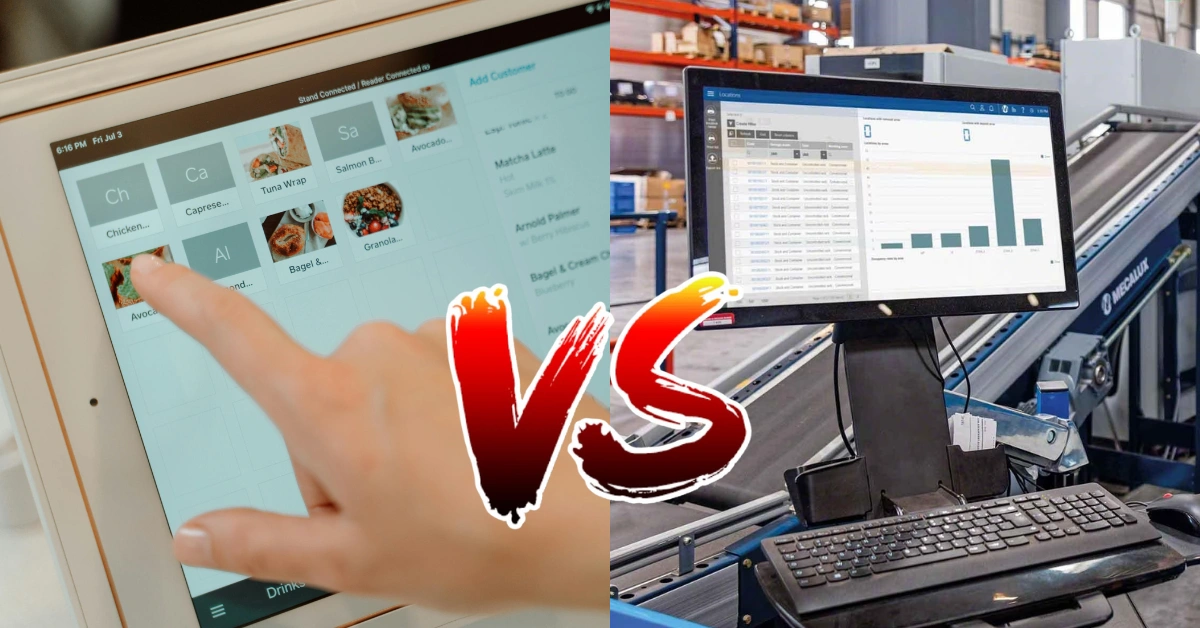
When a business starts growing, one of the biggest challenges is keeping everything organized. Sales increase, inventory gets harder to monitor, employees need to be managed, and suddenly spreadsheets and manual processes are no longer enough.
That’s when business owners often start looking at software solutions such as a POS system or an ERP system.
But what’s the difference between POS vs ERP?
At first glance, they may seem similar because both systems can manage business data, inventory, reports, and other operations. However, they are designed for different purposes.
A POS is primarily built around sales and day-to-day customer transactions, while an ERP is designed to manage broader business processes across an entire organization.
So, which one does your business actually need?
Let's break it down.
What Is a POS System?
POS stands for Point of Sale. A POS system is the technology businesses use to process sales and manage transactions with customers.
The simplest example is the checkout counter in a retail store. Instead of writing down an order manually and using a calculator, the cashier can scan a product, select the payment method, print or send a receipt, and automatically update inventory.
Modern POS systems go far beyond simply processing payments.
Learn more what POS is.
Common Features of a POS System
Depending on the provider, a POS system can include features such as:
- Sales and checkout management
- Inventory tracking
- Product and barcode management
- Sales reports
- Employee management
- Customer management
- Discounts and promotions
- Payment processing
- Multi-location management
- Stock monitoring
- Offline selling
- Cloud-based reporting
For example, imagine you own a small café.
A customer orders three drinks and a sandwich. Your cashier enters the order into the POS, the kitchen receives the order, the payment is recorded, and inventory is updated based on the items sold.
At the end of the day, you can check your sales report without manually adding every receipt.
That is where a POS becomes incredibly useful.
What Is an ERP System?
ERP stands for Enterprise Resource Planning.
Unlike a POS, which is primarily focused on sales and customer-facing operations, an ERP is designed to connect multiple areas of a business.
Think of an ERP as a central system that helps different departments work with the same business information.
Depending on the ERP platform, it may include:
- Accounting and finance
- Procurement
- Supply chain management
- Inventory management
- Human resources
- Payroll
- Manufacturing
- Customer relationship management
- Project management
- Business reporting
- Vendor management
For example, a manufacturing company may need to track raw materials, production schedules, suppliers, employee costs, finished products, sales, and financial information.
Managing all of that requires much more than a checkout system.
That's where an ERP becomes valuable.
POS vs ERP: What's the Main Difference?
The easiest way to understand POS vs ERP is to think about scope.
A POS focuses on what happens when a customer buys something.
An ERP focuses on what happens throughout the organization.
A POS might answer questions like:
- How much did we sell today?
- Which products are selling the most?
- How much stock do we have?
- Which cashier processed the transaction?
- What payment methods were used?
An ERP can answer much broader questions:
- How much does the company owe suppliers?
- What are our overall operating costs?
- How much did each department spend?
- What are our purchasing requirements?
- How are our financial statements performing?
- What resources are being used across the organization?
Both systems can be powerful, but they're solving different problems.
POS vs ERP: Key Differences
1. Primary Purpose
The biggest difference is their primary purpose.
A POS system is designed to manage sales, transactions, inventory, and customer-facing operations.
An ERP system is designed to manage multiple business functions from a centralized platform.
If your main problem is managing your store's checkout and inventory, a POS may be the more appropriate solution.
If your business has complex accounting, procurement, manufacturing, HR, and supply chain requirements, an ERP may make more sense.
2. Users
POS systems are commonly used by:
- Cashiers
- Store managers
- Restaurant staff
- Business owners
- Sales teams
ERP systems are often used by:
- Accountants
- HR teams
- Procurement teams
- Operations managers
- Finance departments
- Executives
- Warehouse teams
Of course, larger POS platforms and ERP systems can have overlapping users, but their typical workflows are different.
3. Complexity
Another important difference is complexity.
A POS system needs to be easy enough for a cashier or restaurant employee to learn quickly. When customers are waiting in line, staff shouldn't have to navigate through complicated screens just to complete a sale.
ERP systems, on the other hand, can be significantly more complex because they often manage complicated business processes.
That complexity isn't necessarily bad. In a large organization, advanced functionality can be extremely useful.
But a small retail store may not need all of it.
POS vs ERP Comparison
| Feature | POS | ERP |
| Sales transactions | Excellent | Usually requires POS functionality/integration |
| Checkout | Yes | Depends on system |
| Inventory | Yes | Yes |
| Sales reporting | Yes | Yes |
| Accounting | Basic/integrations | Advanced |
| Employee management | Common | Advanced HR functionality |
| Procurement | Limited | Advanced |
| Manufacturing | Usually limited | Yes |
| Customer management | Common | Common |
| Multi-location management | Common | Common |
| Ease of use | Generally simpler | Generally more complex |
| Primary users | Store and sales staff | Multiple departments |
| Best suited for | Customer-facing businesses | Complex organizations |
The important thing to remember is that having more features doesn't automatically make one system better.
It makes it more suitable for a different type of business.
Can a POS System Replace an ERP?
This is one of the most common questions businesses ask.
The short answer is: sometimes, but not always.
If you're running a small retail store, café, restaurant, pharmacy, or specialty shop, you may not need a full ERP.
A capable POS system can already handle many of the operations you need, including sales, inventory, employees, reporting, and customer transactions.
Adding an ERP on top of that could introduce unnecessary complexity and expenses.
However, as your organization becomes more complex, you may eventually need capabilities that go beyond what a POS is designed to do.
For example, a growing distributor may need sophisticated procurement, accounting, warehouse management, supplier management, and financial planning.
That's where an ERP can become useful.
Can POS and ERP Work Together?
Yes.
In fact, POS and ERP systems can complement each other very well.
Think of the POS as the front-end system and the ERP as the back-end system.
The POS handles what happens at the store or checkout:
Customer → Order → Sale → Payment → Receipt
The ERP handles broader business processes:
Sales Data → Inventory → Accounting → Procurement → Finance → Management
When properly integrated, information from the POS can flow into the ERP.
This can reduce duplicate data entry and give management a better view of the business.
Benefits of POS and ERP Integration
Businesses that use both systems may benefit from:
- Centralized business information
- Better inventory visibility
- Reduced manual data entry
- More accurate reporting
- Improved financial management
- Better purchasing decisions
- Easier multi-location management
- Improved operational visibility
For example, a retail chain could use a POS system in each branch while its ERP manages accounting, procurement, and other centralized operations.
When Should You Choose a POS System?
A POS system is usually a good choice when your primary concern is running daily sales operations efficiently.
You may want to consider a POS if:
You Run a Customer-Facing Business
Retail stores, restaurants, cafés, groceries, pharmacies, salons, and similar businesses rely heavily on fast and accurate transactions.
You Need Better Inventory Management
If you're still using spreadsheets to determine how much stock you have, a POS can make the process significantly easier.
Every sale can be recorded and reflected in inventory, giving you a clearer picture of what is moving and what needs to be replenished.
You Want Simple Sales Reporting
Instead of manually counting receipts at the end of the day, a POS can provide sales summaries and other reports.
This can help business owners understand which products, employees, branches, or periods are generating the most sales.
You Want a Practical System for Staff
A POS is generally designed around the actual workflow of selling products or services.
For many businesses, that makes it easier to train employees and implement.
When Should You Choose an ERP System?
An ERP may be a better fit when your business has complex processes that extend beyond sales and inventory.
Consider an ERP if you:
- Manage several departments
- Have complex accounting requirements
- Need advanced procurement
- Operate a large supply chain
- Manage manufacturing operations
- Require advanced HR and payroll
- Have complex financial reporting
- Need centralized enterprise-wide management
For example, a manufacturing company with multiple warehouses and production facilities may need an ERP because its operations involve considerably more than simply selling products.
When Should You Use Both POS and ERP?
For larger or rapidly growing businesses, the answer doesn't necessarily have to be POS or ERP.
It can be POS and ERP.
Suppose you operate a growing retail company with 20 branches.
Your stores need a fast checkout system, inventory tracking, cashier management, and branch-level reports.
Meanwhile, your headquarters needs centralized accounting, purchasing, supplier management, financial reporting, and other back-office functions.
Using a POS for the branches and an ERP for centralized operations could provide the best of both worlds.
The key is making sure the systems can communicate with each other effectively.
POS vs ERP for Small Businesses
For many small businesses in the Philippines, starting with an ERP may be unnecessary.
A small business owner might primarily need to answer practical questions:
How much did we sell today?
What products are running low?
Which items are selling the most?
How much did each branch make?
What are our daily and monthly sales?
A good POS system can answer these questions without requiring a complicated enterprise platform.
As the business grows, its technology can grow with it.
This is often a more practical approach than paying for features the business doesn't currently need.
POS vs ERP: Which One Is Better?
There isn't a universal winner.
The better system depends on your business.
Choose a POS system if your main priorities are sales, checkout, inventory, customer transactions, employee management, and store operations.
Choose an ERP system if your business requires extensive accounting, procurement, HR, manufacturing, supply chain, or organization-wide management.
Choose both if your business has sophisticated back-office requirements while still needing efficient point-of-sale operations across multiple locations.
The goal isn't to choose the system with the longest feature list.
The goal is to choose the system that solves your actual business problems.
How Divergent POS Can Help Philippine Businesses
For businesses in the Philippines that primarily need a reliable system for sales and daily operations, Divergent POS provides a practical POS solution designed around the needs of businesses.
Divergent POS can help businesses manage important day-to-day processes such as:
- Sales and transactions
- Inventory management
- Reports and analytics
- Employee management
- Multiple locations
- Payment processing
- Customer transactions
- Offline selling and synchronization
- Back-office operations
Whether you're running a retail store, restaurant, café, grocery, pharmacy, or another customer-facing business, having the right POS can make daily operations much easier to manage.
Instead of relying on separate spreadsheets and manual processes, your team can work from a centralized system designed around your sales operations.
For businesses that need more than a POS, integration with other business systems can also be considered depending on the company's requirements.
Final Thoughts: POS or ERP?
The POS vs ERP debate isn't really about which system is better.
It's about which system is right for your business right now.
A POS is built primarily for sales and customer-facing operations. It can help businesses process transactions, track inventory, manage employees, and understand sales performance.
An ERP takes a much broader approach, connecting different departments and business processes across an organization.
For a small or growing Philippine business, a POS may provide everything needed to manage daily operations without the complexity of an enterprise system.
For larger organizations with complicated financial, operational, manufacturing, HR, or supply chain requirements, an ERP may be the better choice. In some cases, using both systems together can provide the most complete solution.
Before investing, take a close look at your business size, budget, number of locations, inventory requirements, employees, accounting needs, and future growth plans.
And if your immediate priority is improving sales and store operations, Divergent POS can be a practical place to start.
You can explore the system and request a free demo to see how it can fit your business needs.
