
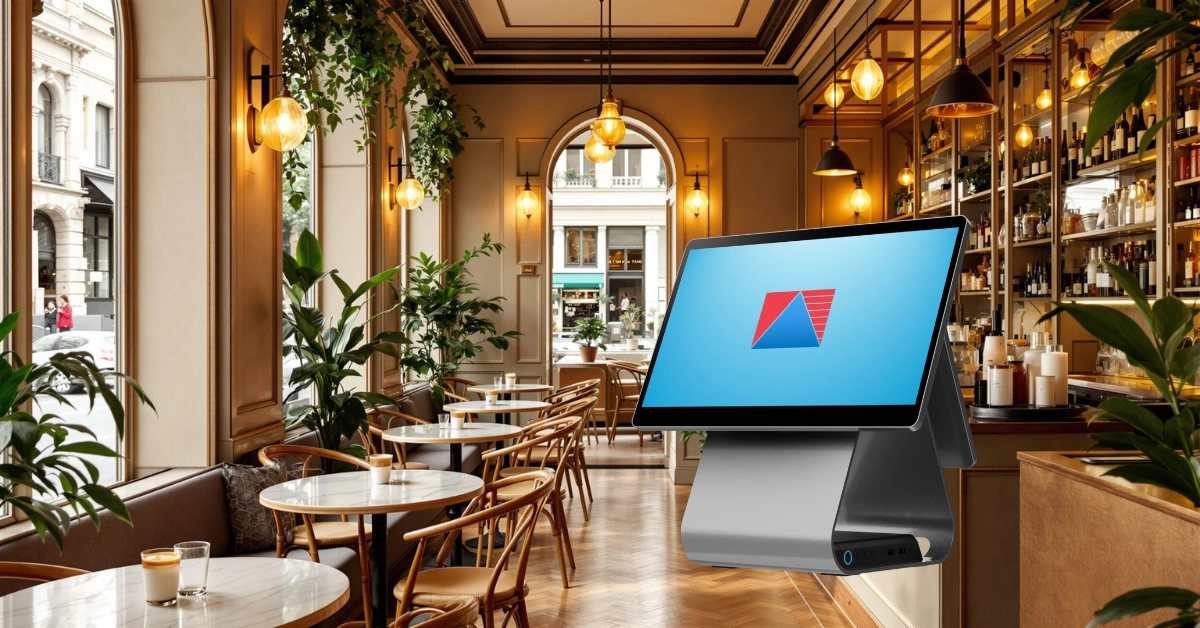
Picture a Saturday morning at a busy cafe. The line is out the door, someone wants an iced latte with oat milk, an extra shot, and half the syrup, the barista is calling out names, and a table of six wants to split the bill five ways. If your ordering system can't keep up, everything slows down, and customers notice.
That's where a cafe POS comes in. It quietly holds the whole operation together, from the first order to the end-of-day report. Let's walk through what it is, how it works, and how to choose one that fits your cafe.
So, What Is a Cafe POS?
A cafe POS (point of sale) is the software and hardware you use to take orders, accept payments, and keep track of your menu, stock, staff, and sales. Think of it as the cash register's smarter, more helpful cousin. It doesn't just ring up a flat white. It also sends the ticket to the bar, deducts the milk and beans from your stock, and logs the sale for your reports.
The hardware side usually includes a touchscreen terminal, a receipt printer, a kitchen or bar printer, a cash drawer, and a card reader. You can browse typical POS hardware to see what a setup looks like. The software ties it all together, and a purpose-built cafe POS is designed around how coffee shops actually work: fast orders, lots of customizations, and constant rushes.
How Is a Cafe POS Different From a Regular Retail POS?
A friend who opened a small coffee shop started with a basic retail system because it was cheap and familiar. It worked fine for selling bags of beans. It struggled with everything else. Every "no sugar, extra hot, almond milk" request had to be typed into a notes field, orders didn't reach the bar, and she had no idea how much milk she was actually using. Within a month she was double-checking tickets by hand during every rush. (Swap in a real story of your own if you have one.)
Here's what a cafe needs that a standard retail system usually can't handle well:
- Modifiers and add-ons: size, milk, syrups, and extra shots
- Order types: dine-in, takeaway, and delivery
- Ticket routing: drinks to the bar, food to the kitchen
- Split bills and open tabs: especially for groups
- Ingredient-level stock tracking: not just "one latte," but the milk, beans, and cup that go into it
Retail POS tools are built to sell products. Cafe POS tools are built to make and serve them, quickly.
How a Cafe POS Works
Here's what a typical order looks like:
- Order taken. At the counter, at the table, or online.
- Modifiers added. Size, milk, syrups, and any special requests.
- Ticket sent. The order prints or appears at the bar or kitchen.
- Payment. Cash, card, e-wallet, or a split between guests.
- Inventory updated. Stock is deducted automatically, ideally down to the ingredient.
- Sales logged. Everything feeds into your end-of-day and weekly reports.
The best part is what you don't have to do anymore. No hand-counting cups at closing time, no guessing what sold, and no reconciling a pile of paper slips.
Key Features to Look For
Not every system is built the same, so here's what to prioritize.
Easy menu management
Your menu changes: seasonal drinks, promos, price updates. You should be able to add an item, tweak a modifier, or change a price in a few taps. Clean categories and clear modifiers also keep orders fast, because fewer taps per order means shorter lines.
Fast order entry and park order
During a rush, every second counts. Look for a clean, tap-friendly screen that new staff can learn in a shift or two. Features like park order, which saves an ongoing transaction so you can resume it later, are a lifesaver when a customer is still deciding or a group orders in stages. Solid POS software should make these everyday moments feel effortless.
Kitchen and bar routing
Orders should reach the people making them without anyone shouting across the counter. Printed tickets or a display screen cut mix-ups and shave minutes off busy service.
Flexible payments
Customers pay by cash, card, and e-wallet, and groups love splitting bills. Your system should handle all of it smoothly, with tips and discounts recorded correctly.
Inventory and low-stock alerts
This is where cafes quietly win or lose money. Low-stock notifications help you catch a missing box of oat milk before your first customer asks for it. Track ingredients, not just finished items, and you'll also see where waste is sneaking in. Explore what's possible with add-on POS modules for inventory, reporting, and multi-store management.
Staff management
Knowing who's on shift, who processed which sale, and when people clocked in keeps things accountable. Some systems even use selfie-based time-in and time-out to keep attendance honest.
Reports and analytics
Which drinks sell most? What time is your real peak? Which item looks popular but barely makes you money? Good reports answer these in a couple of taps, so you can decide with numbers instead of gut feel.
Offline mode
The internet goes down sometimes. A good cafe POS lets you keep selling and syncs your data once you're back online, so a Wi-Fi hiccup doesn't shut down your morning rush.
Compliance
In the Philippines, you'll want a system that is BIR-accredited so your receipts and tax reporting are in order. You can check current requirements directly with the Bureau of Internal Revenue, and for food safety rules, the Food and Drug Administration is the place to look.
The Real Benefits for Your Cafe
Here's what cafes typically gain from a purpose-built system:
- Faster service. Quick order entry and smooth ticket routing mean shorter lines.
- Fewer mistakes. Clear modifiers and printed tickets cut wrong orders and remakes.
- Better cost control. Ingredient tracking shows where money is leaking out.
- A clearer view of what sells. You'll know your best sellers, your slow movers, and your peak hours.
- Easier training. A simple interface means new hires get up to speed quickly.
- Simpler closing. End-of-day totals are ready when you are.
I've heard of a cafe owner who spent a week reading her sales reports and discovered that her most popular drink was also her lowest-margin item. A small price tweak and a smarter combo offer turned her busiest seller into a real earner. That kind of insight is almost impossible to spot without data.
How to Choose the Right Cafe POS
Keep this checklist handy while you compare options:
- Fit for your business. A single kiosk and a multi-branch cafe have different needs. If you serve pastries alongside coffee, look at how a bakery POS handles it. If you're growing toward a full menu, a restaurant POS may suit you better. And if you also sell beans and merchandise, check the features in retail POS.
- Ease of use. If your staff needs weeks of training, that's a red flag.
- Hardware compatibility. Make sure the printers, drawers, and tablets you want will work together.
- Offline capability. Ask what happens when the internet drops.
- Compliance. Confirm accreditation and tax-ready receipts.
- Scalability. Can you add a second branch without starting over?
- Support. You'll need help during setup and again on your busiest days, so ask how support works.
- Total cost. Count hardware, software, and fees, not just the monthly price. You can check pricing up front to compare.
Ask every vendor how long setup takes, whether they'll help with your menu, and what training is included. Then ask for a demo built around your real menu, not a generic sales script.
Common Mistakes to Avoid
- Choosing on price alone. The cheapest option often costs the most in workarounds.
- Skipping the demo. You'll learn more in 30 minutes of hands-on use than from any brochure.
- Setting up the menu badly. Messy modifiers slow every order. Spend time getting the structure right.
- Skipping staff training. Train your team before opening day, not during the first rush.
- Ignoring the reports. The data is only useful if you actually look at it.
Where Cafe POS Technology Is Heading
Expect more cloud-based platforms with mobile access, QR-code and self-order options, and tighter links to online ordering and delivery. Contactless and e-wallet payments keep growing, and more owners are using sales data to shape menus and pricing. Systems that connect all of these will make it easier to serve customers however they choose to order.
Frequently Asked Questions
What does a cafe POS system do?
It takes orders, processes payments, routes tickets to the bar or kitchen, tracks inventory, and produces sales reports. In short, it connects your counter, your stockroom, and your back office in one system.
Can I use a regular retail POS in a cafe?
You can, but expect workarounds. Retail systems often lack modifier handling, ticket routing, split bills, and ingredient-level tracking, which are the things that keep a cafe moving during a rush.
Do I need the internet for a cafe POS?
Cloud-based systems generally rely on a connection, but a good one includes an offline mode so you can keep selling and sync your data when you're back online. Ask any vendor how they handle outages.
What hardware do I need for a cafe POS?
Most cafes need a touchscreen terminal or tablet, a receipt printer, a cash drawer, and a card reader. If you have a separate bar or kitchen, add a printer or display there too.
How much does a cafe POS cost?
It depends on the number of terminals and branches, the hardware you choose, and the modules you need. Compare the total cost, including hardware, setup, training, and support, rather than just the monthly fee.
Ready to See It in Action?
A cafe POS is the control center of a modern cafe. It speeds up service, cuts mistakes, and gives you the numbers to grow with confidence.
Want to see it for yourself? Book a demo with Divergent POS and find out how much smoother your mornings could be.
