
Not long ago, "going shopping" meant getting dressed and going somewhere. Today, a customer can find, compare, and buy a product from the couch before their coffee gets cold.
For business owners, that shift raises real questions. Do I need an online store? Where do I even start? And how does it fit with my physical shop? The good news is that e-commerce is simpler than it sounds. Let's break it down.
In this article
- What is e-commerce?
- How e-commerce works
- Types of e-commerce business models
- Common ways to sell online
- Key components
- E-commerce vs. traditional retail
- Benefits and challenges
- Omnichannel: online and in-store together
- How to start
- FAQ
What Is E-Commerce?
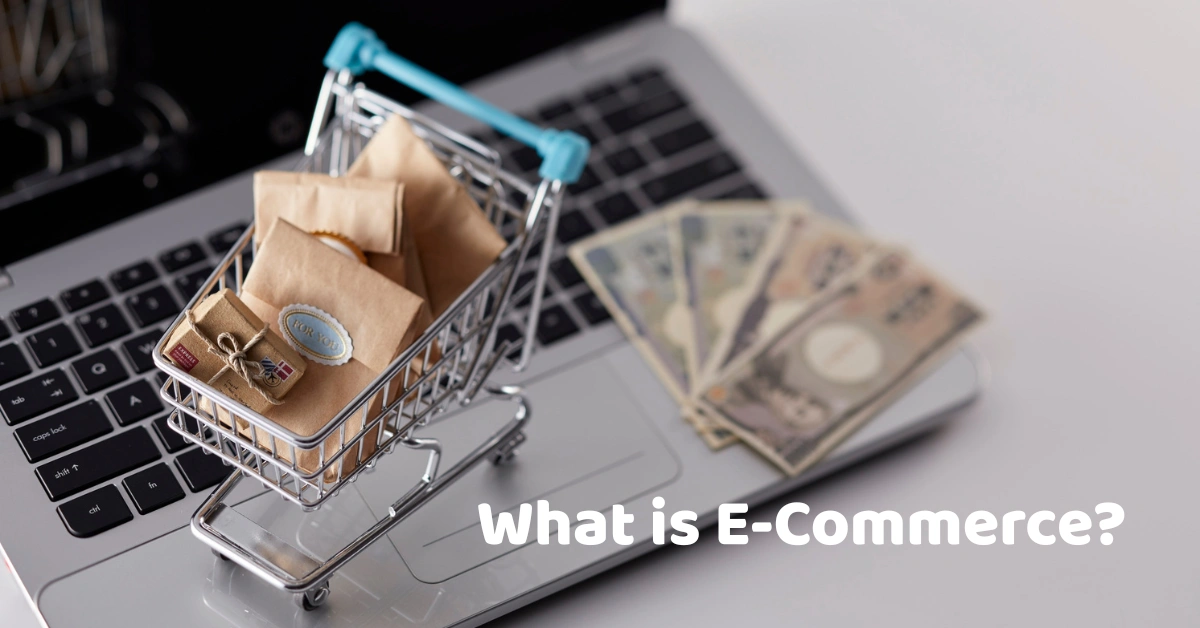
E-commerce (electronic commerce) is the buying and selling of goods or services over the internet. It includes online stores, marketplaces, social media sales, and digital products, and it covers everything from browsing and ordering to payment and delivery.
You've almost certainly used it already. Ordering food through an app, buying a gift from an online shop, downloading a course, and booking a service online are all e-commerce. You may also hear the term "e-business," which is broader and covers all online business activity, including things like internal systems and supplier communication. E-commerce is the part where money changes hands.
How E-Commerce Works
Here's what a typical online order looks like:
- The customer finds a product. Through a search, a social media post, a marketplace, or an ad.
- They add it to the cart. Just like picking something off a shelf.
- They check out and pay. By card, e-wallet, bank transfer, or cash on delivery.
- The seller confirms the order. Stock is updated so the item isn't sold twice.
- The order is packed and shipped. Usually through a courier, with tracking.
- The customer receives it. If something's wrong, they can contact support or request a return.
A friend of mine started selling handmade candles through social media messages. It worked until orders picked up. She was juggling payment screenshots, copying addresses into notes, and forgetting who had paid for what. Moving to a proper online store turned all of that mess into a single order list. (Swap in a real story of your own if you have one.)
Types of E-Commerce Business Models
E-commerce isn't one-size-fits-all. Here are the main models, based on who's selling to whom.
B2C (business to consumer)
A business sells to individual shoppers. Think of any online clothing shop or grocery delivery service. This is the model most people picture.
B2B (business to business)
A business sells to other businesses, such as a supplier selling bulk goods to retailers. Orders are usually larger, and pricing and payment terms are often customized.
C2C (consumer to consumer)
Individuals sell to each other, usually through a marketplace or social platform. Secondhand goods are a classic example.
D2C (direct to consumer)
A brand sells straight to customers without middlemen, keeping more control over pricing, branding, and the customer experience.
C2B (consumer to business)
Individuals offer products or services to companies, such as freelancers, creators, or photographers selling their work.
Common Ways to Sell Online
Once you know your model, you need a place to sell.
- Your own website or online store. You control the branding and customer data, but you're responsible for bringing in traffic.
- Online marketplaces. You get instant access to a large audience, but you share fees and compete directly with other sellers.
- Social commerce. Selling through social media is easy to start, though it can get messy to manage as orders grow.
- Dropshipping. You sell products but a supplier ships them, so you don't hold stock. Margins can be thin, and you rely on the supplier's reliability.
- Wholesale and subscriptions. Bulk orders or recurring deliveries can build steady, predictable income.
- Digital products and services. Downloads, courses, and bookings don't need shipping at all.
Many businesses mix two or three of these, which is perfectly normal.
Key Components of an E-Commerce Business
Behind every smooth online order, there are several moving parts.
Storefront and product catalog
Clear photos, honest descriptions, and accurate prices do most of the selling for you. Customers can't touch the product, so the page has to do it for them.
Shopping cart and checkout
Make it simple, fast, and mobile-friendly. A long or confusing checkout is one of the most common reasons shoppers give up.
Payments
Offer the options your customers actually use, such as cards, e-wallets like GCash or Maya, bank transfers, and cash on delivery where it makes sense.
Inventory management
Nothing frustrates a customer like ordering something that's out of stock. Accurate, real-time stock counts keep your online and in-store numbers in sync. Tools like add-on POS modules can help track stock levels and low-stock alerts.
Shipping and fulfillment
Decide how you'll pack, ship, and track orders. Reliable delivery is a big part of the customer experience.
Customer service and returns
Clear policies and quick replies build trust. Buyers who feel looked after come back.
Marketing
Search engine optimization, social media, email, and ads all help people find you.
Security and privacy
Customers are trusting you with their payment and personal details. Use trusted payment channels and keep their data protected.
E-Commerce vs. Traditional Retail
Here's how they compare:
| Factor | E-commerce | Traditional retail |
| Hours and reach | Open 24/7, reaches beyond your area | Limited to store hours and location |
| Startup and running costs | Often lower, no large space needed | Rent, fit-out, and staffing |
| Customer experience | Convenient, but no touch or try | Hands-on, immediate |
| Payments | Digital and online | Cash, cards, and e-wallets at the counter |
| Fulfillment | Requires packing and shipping | Customer takes the item home |
| Data | Rich data on browsing and buying | Depends on your systems |
The takeaway is that they aren't rivals. Many of the most successful businesses do both.
Selling In-Store and Online?
Keeping two channels running can get complicated fast. If you'd like to see how a POS can keep your stock and sales organized in one place, talk to the Divergent POS team.
The Benefits of E-Commerce
- Wider reach. You're no longer limited to people who walk past your shop.
- Always open. Customers can order at midnight, and you can wake up to new sales.
- Lower overhead. You can start without a big physical space.
- Better data. You can see what people browse, add to their carts, and buy.
- Room to grow. It's easier to add products, markets, and channels.
I've heard of a small local shop that opened an online store as a side experiment and discovered that many of its best customers lived in other cities. The store had been selling to the same neighborhood for years without ever realizing how far its products could travel.
The Challenges of E-Commerce
It's not all easy, so it helps to go in with your eyes open:
- Competition. Customers can compare prices in seconds.
- Shipping and returns. Logistics can eat into margins and time.
- Payment fraud and security. You need safe payment channels and good habits.
- Trust. New shoppers rely on reviews, clear policies, and a professional look.
- Stock accuracy. Selling the same item online and in-store without syncing leads to canceled orders.
- Marketing costs. Getting noticed takes time and often budget.
E-Commerce and Physical Stores: Why Omnichannel Matters
"Omnichannel" simply means your online store, physical shop, and social channels work together as one business rather than three separate ones.
Why does it matter? Imagine you have one item left. A customer buys it in-store while another orders it online at the same moment. Without a connected system, someone gets a disappointing "sorry, it's out of stock" message. Unified inventory and sales data prevent that, and they also give you one clear picture of your best sellers and your customers.
This is where your point-of-sale system comes in. A modern retail POS ties together checkout, inventory, staff, and reports, so you're not managing everything from a notebook and a spreadsheet. Good POS software makes it easier to see what's selling and what's running low, wherever the sale happens. Divergent POS, for example, includes a free online store feature so you can showcase products and accept orders online.
Different businesses have different needs. A grocery POS is built around high volumes and fast-moving goods, while a restaurant POS is built for tables, menus, and kitchen flow. Choosing a system designed for your type of business makes connecting your online and in-store sales far smoother.
How to Start an E-Commerce Business
You don't have to do everything at once. Here's a simple path:
- Choose your products and your customers. Know who you're selling to and why they'd buy from you.
- Pick a business model and channel. Decide whether you'll start on a marketplace, social media, or your own store.
- Register your business and check local requirements. In the Philippines, the Department of Trade and Industry is a good starting point for business registration, and the Bureau of Internal Revenue covers tax obligations. If you also sell in a physical store, look for a system that is BIR-accredited.
- Set up your store or listings. Use clear photos and honest descriptions.
- Set up payments, shipping, and returns. Decide your policies before your first order.
- Organize your inventory and product data. Consistent names and categories save headaches later.
- Launch and promote. Tell people, and ask early customers for feedback and reviews.
- Review your data and improve. Look at what's selling and what isn't, and adjust.
If you're also setting up the equipment for a physical counter, browse the available POS hardware, and when you're comparing costs, you can check pricing for a POS setup.
Common Mistakes to Avoid
- Ignoring mobile users. Many shoppers browse and buy on their phones.
- Weak photos and descriptions. Blurry pictures and vague details cost sales.
- A complicated checkout. Every extra step loses customers.
- Poor stock accuracy. Overselling leads to canceled orders and unhappy buyers.
- Skipping customer service and return policies. Trust is everything online.
- Ignoring your data. Reports only help if you actually read them.
Where E-Commerce Is Heading
Expect more mobile shopping and social commerce, growing use of e-wallets and digital payments, faster and more flexible delivery, and more personalization driven by customer data. The biggest shift is the blending of online and offline. Customers increasingly expect to browse on their phones, buy in-store, or order online and pick up locally, and businesses that connect those experiences will have the edge.
Frequently Asked Questions
What is e-commerce in simple terms?
It's buying and selling products or services online, from online stores and marketplaces to social media sales and digital downloads.
What are the main types of e-commerce?
The most common are B2C (business to consumer), B2B (business to business), C2C (consumer to consumer), D2C (direct to consumer), and C2B (consumer to business).
Is e-commerce the same as e-business?
Not quite. E-commerce refers specifically to buying and selling online. E-business is broader and covers all online business activity, including internal operations and supplier communication.
Do I need a website to sell online?
Not always. You can start on a marketplace or social media, though having your own online store gives you more control over your brand and customer data.
How can a POS system help an e-commerce business?
If you also sell in a physical store, a POS keeps your stock, sales, and reports in one place, which helps prevent overselling and gives you a clearer view of your business across channels.
Ready to Connect Your Store and Your Sales?
E-commerce works best when it's supported by a well-run business behind the scenes. Accurate stock, organized sales, and clear reports make selling online much easier.
Want to see how it could work for your business? Book a demo with Divergent POS and find out how much time your team could get back.
