
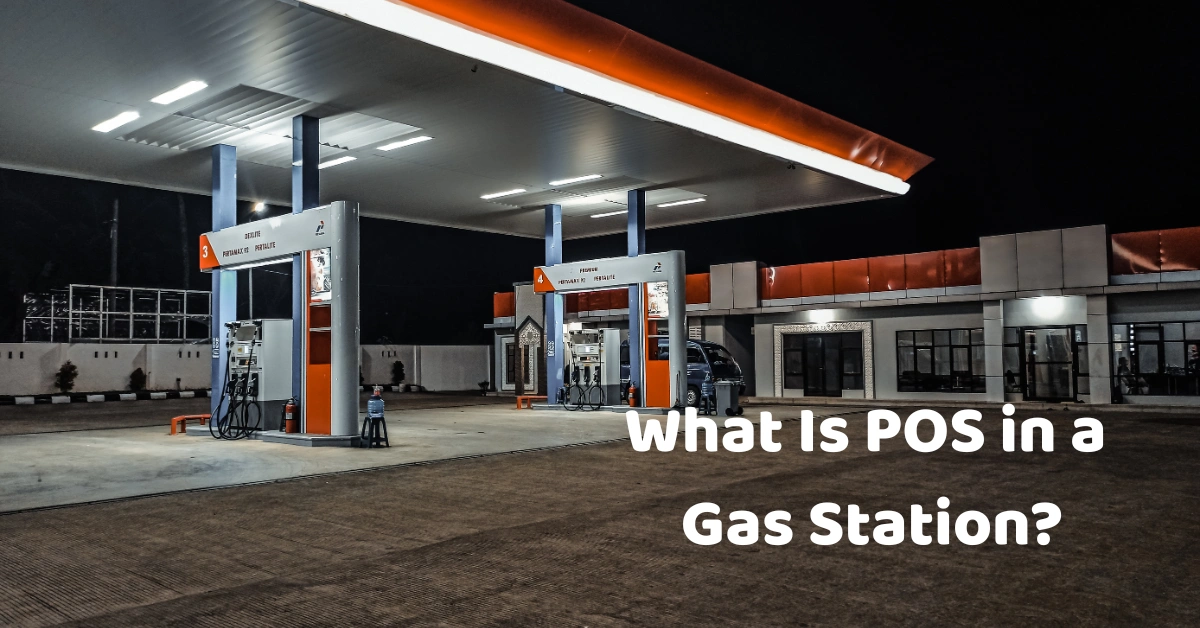
If you've ever stopped at a gas station, you probably think of the POS as the machine where you pay for fuel, snacks, drinks, or other items.
But a modern POS system in a gas station can do much more than process payments.
It can connect fuel sales, convenience-store products, inventory, employees, payments, and business reports into one system. For gas station owners, this can make daily operations easier while giving them better visibility into what is happening across the business.
In this guide, we'll explain what POS means in a gas station, how it works, what features to look for, and why choosing the right system matters.
What Does POS Mean in a Gas Station?
POS stands for Point of Sale.
In a gas station, the POS system is the technology used to record and process transactions. This can include fuel purchases as well as sales from the convenience store attached to the station.
For example, a customer might purchase ₱1,500 worth of fuel and ₱250 worth of snacks and drinks. Instead of recording these transactions separately, an integrated POS system can help the business manage the sale in a more organized way.
A modern POS software solution in the Philippines can also connect sales data with inventory, reporting, payment processing, and other business operations.
How Does a Gas Station POS System Work?
A gas station POS typically works by recording the products or services purchased by the customer and calculating the total amount due.
Depending on the setup, the system may connect with:
- Fuel pumps
- Barcode scanners
- Receipt printers
- Cash drawers
- Payment terminals
- Touchscreen POS terminals
- Convenience-store inventory
- Business reporting tools
When a customer purchases fuel, the transaction can be recorded through the POS. If the customer also buys products from the convenience store, those items can be added to the same transaction or processed through the connected retail system.
The result is a centralized record of sales that the business can use for reporting and reconciliation.
What Can a POS System Do for a Gas Station?
A gas station POS can support several important parts of daily operations.
Process Fuel and Store Sales
The most basic function is recording sales.
The system can help cashiers process fuel purchases and convenience-store products while automatically calculating totals, discounts, taxes, and payment amounts.
This is particularly useful for busy stations where transactions happen continuously throughout the day.
Manage Convenience Store Inventory
Many gas stations sell much more than fuel.
They may have:
- Snacks
- Beverages
- Cigarettes and other regulated products
- Automotive products
- Personal-care products
- Food
- Accessories
Keeping track of these products manually can become difficult.
A POS with inventory management can help monitor stock levels, product movements, and sales.
Divergent POS, for example, provides inventory management features that can help businesses monitor stock and understand which products are selling.
Track Sales Reports
A gas station owner needs to know more than the total amount collected at the end of the day.
Useful reports can include:
- Daily sales
- Product sales
- Payment summaries
- Cashier performance
- Discounts
- Voids
- Refunds
- Inventory reports
- Sales by branch
These reports can help owners understand how the business is performing and identify products or periods with stronger sales.
Gas Station POS vs. Regular Retail POS
A regular retail POS can process products, payments, inventory, and reports.
However, gas stations can have additional requirements because they may need to manage fuel sales alongside convenience-store products.
A gas station POS may therefore need to support:
- Fuel transactions
- Pump integration
- Multiple fuel types
- Fuel pricing
- Convenience-store inventory
- Cashier management
- Payment processing
- Sales reporting
The exact requirements depend on how the station operates and what hardware or fuel-management equipment is already installed.
If you're comparing different systems, reviewing POS providers in the Philippines can help you understand the types of solutions available and what features providers offer.
Why Do Gas Stations Need a Reliable POS System?
Gas stations can handle a high number of transactions every day.
Even a small error repeated across hundreds of transactions can create problems during reconciliation.
A reliable POS can help by reducing manual data entry and keeping transaction information organized.
Faster Transactions
Customers usually don't want to spend unnecessary time at the cashier after filling up.
A fast POS can help employees process payments quickly and keep queues moving.
Better Inventory Control
A gas station convenience store can carry hundreds or thousands of products.
Instead of manually counting everything, a POS can help track product movement and identify items that need replenishment.
More Accurate Reporting
Instead of relying on handwritten records or spreadsheets, owners can use POS reports to review sales and transaction information.
For businesses comparing software options, this guide to the best POS software in the Philippines explains some of the features businesses should consider when choosing a POS.
Gas Station Inventory Management
Inventory is one of the areas where a POS system can provide significant value.
Imagine a gas station convenience store selling hundreds of different products.
Without a centralized system, employees may need to manually check stock, record purchases, and update spreadsheets.
A POS can automate much of this process.
Track Stock Levels
The system can record when products are sold and update inventory accordingly.
This gives employees a better idea of what is available.
Identify Fast-Moving Products
Sales reports can show which products are selling quickly.
For example, a station near a busy highway might discover that bottled water, coffee, and snacks are among its fastest-selling products.
That information can help management plan purchasing and replenishment.
Reduce Stock Problems
Better inventory visibility can help reduce situations where popular products unexpectedly run out.
It can also help identify slow-moving products that may be taking up valuable storage space.
Fuel Pump and POS Integration
One important consideration for a gas station is whether the POS can integrate with its fuel-management or pump system.
With integration, fuel transactions can potentially flow directly into the POS instead of requiring cashiers to manually enter every transaction.
However, compatibility depends on the fuel pumps, controllers, software, and hardware already installed at the station.
Before purchasing a POS, ask the provider:
- Can it integrate with our existing fuel pumps?
- What fuel-management systems are supported?
- Is additional hardware required?
- Is installation included?
- Who handles technical support?
- Can the system continue operating during an internet interruption?
These questions are important because not every POS is designed specifically for fuel retail.
BIR Requirements for Gas Station POS Systems in the Philippines
Businesses in the Philippines also need to consider applicable BIR requirements when implementing a POS system.
The Bureau of Internal Revenue provides requirements related to registration and permits for POS and cash register systems.
Before deploying a system, businesses should check the latest BIR registration requirements and confirm which requirements apply to their particular setup.
It's also important not to rely solely on the phrase "BIR-accredited POS" when comparing providers. The applicable registration, accreditation, permit, and documentation requirements should be verified for the specific system and business.
You can also read this guide about BIR-accredited POS systems in the Philippines for additional context.
Can a Gas Station POS Work Without Internet?
Internet connectivity can be a concern for businesses that operate for long hours or around the clock.
A POS with offline capabilities can allow certain transactions to continue even when the internet connection temporarily goes down.
Once connectivity is restored, supported data can synchronize with the system.
This can be particularly useful for businesses located in areas where internet service is unstable.
However, businesses should always confirm exactly which functions remain available during offline operation.
What Hardware Does a Gas Station POS Need?
The hardware setup depends on the station's size and requirements.
A typical setup may include:
- POS terminal
- Touchscreen monitor
- Receipt printer
- Cash drawer
- Barcode scanner
- Payment terminal
- Customer display
- Network equipment
- Fuel-pump interface or controller
Some businesses may also need additional equipment for their convenience store or back office.
The important thing is to choose hardware that works with the POS software and the station's existing infrastructure.
Can a POS Manage Multiple Gas Station Branches?
Yes, depending on the software.
For businesses operating multiple stations, centralized management can be extremely useful.
Instead of checking each branch individually, management may be able to monitor:
- Sales
- Inventory
- Product performance
- Cashier activity
- Branch performance
- Reports
A scalable POS can make it easier to manage operations as the business expands.
If you're planning to open additional branches, consider whether the provider offers multi-location functionality before committing to a system.
How Much Does a Gas Station POS Cost?
There isn't one fixed price for a gas station POS.
The total cost can depend on:
- POS software
- Number of terminals
- Hardware
- Number of branches
- Inventory features
- Fuel-pump integration
- Payment integration
- Installation
- Training
- Technical support
- Additional modules
That's why it's better to compare the total cost of ownership rather than looking only at the software subscription.
For example, Divergent POS pricing currently includes monthly subscription and lifetime ownership options, along with different hardware and add-on modules. Pricing and inclusions can change, so businesses should confirm the latest quotation before purchasing.
How to Choose a POS for a Gas Station
Before choosing a POS, create a checklist based on how your station actually operates.
Check Fuel Integration
If you need pump integration, confirm that the POS supports your existing fuel-management equipment.
Check Inventory Features
Make sure the system can manage both fuel-related transactions and convenience-store products where applicable.
Check Payment Options
Consider the payment methods your customers use, including cash, cards, QR payments, and other supported channels.
Check Offline Capabilities
Ask what happens when the internet goes down.
Check Reporting
Make sure the reports provide the information you need to manage your business.
Check Support
Technical support is especially important for businesses operating long hours.
Ask about:
- Installation
- Staff training
- Troubleshooting
- Hardware support
- Software updates
- Maintenance
Consider Future Growth
If you're planning to open additional branches, choose a system that can scale with your business.
You can also learn how to use a POS system to understand the basic workflow and what your employees may need to learn during implementation.
Common Mistakes When Choosing a Gas Station POS
Choosing Based Only on Price
The cheapest POS isn't necessarily the most suitable.
A low-cost system may become expensive if you later need to purchase additional features, hardware, integrations, or support.
Ignoring Integration
Don't assume that every POS can connect to your fuel pumps.
Always confirm compatibility before purchasing.
Forgetting About Inventory
A gas station is often also a convenience store.
Make sure your POS can handle the products you actually sell.
Not Planning for Multiple Branches
If expansion is part of your business plan, ask whether the POS can support multiple locations.
Not Asking About Support
When something goes wrong at 2 a.m., you need to know who you can contact.
Support should be part of your evaluation process.
Is Divergent POS Suitable for a Gas Station?
Divergent POS provides POS software and business-management solutions for Philippine businesses, with features covering sales, inventory, reporting, payments, employee management, and other operations.
Its POS software also supports offline transactions and inventory management, while its pricing page provides monthly and lifetime ownership options.
For businesses that operate convenience stores alongside other operations, Divergent POS also provides solutions for retail, grocery, restaurants, cafés, kiosks, and other business types.
The right setup will depend on your station's requirements, existing fuel equipment, number of terminals, branches, and desired integrations.
Final Thoughts
A POS system in a gas station is more than a machine for accepting payments.
It can become an important part of the station's daily operations by connecting sales, inventory, payments, reporting, employees, and other business processes.
If you're choosing a POS for a gas station, don't just ask, "How much does it cost?"
Ask whether it can integrate with your fuel equipment, manage your convenience-store inventory, support your payment methods, operate during internet interruptions, generate useful reports, and scale with your business.
For Philippine businesses looking for a POS solution, Divergent POS provides software, hardware, inventory tools, reporting, payment integration, and business-management features designed for local operations.
If you're considering a POS system for your gas station, book a FREE demo with Divergent POS and discuss your actual business requirements with the team.
